SSD Over-Provisioning Guide: Free Performance and Endurance
Every SSD you buy already hides some of its NAND from you — and that is a good thing. That hidden space, called over-provisioning , is what keeps the drive fast and long-…
14 articles
Every SSD you buy already hides some of its NAND from you — and that is a good thing. That hidden space, called over-provisioning , is what keeps the drive fast and long-…
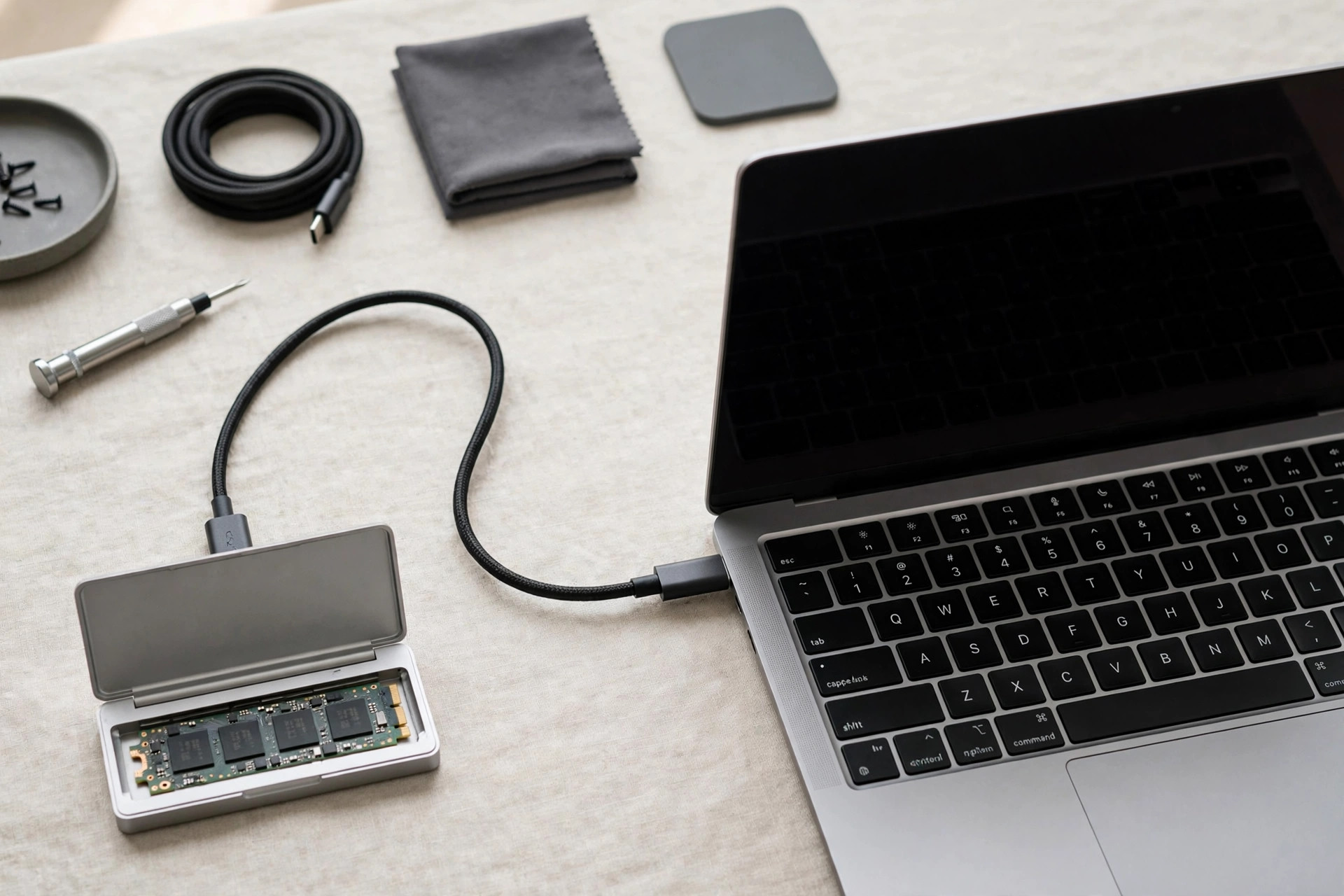
SSD firmware is the invisible software running on your drive's controller — and unlike your operating system, it never nags you to update. Most users never touch it, whic…
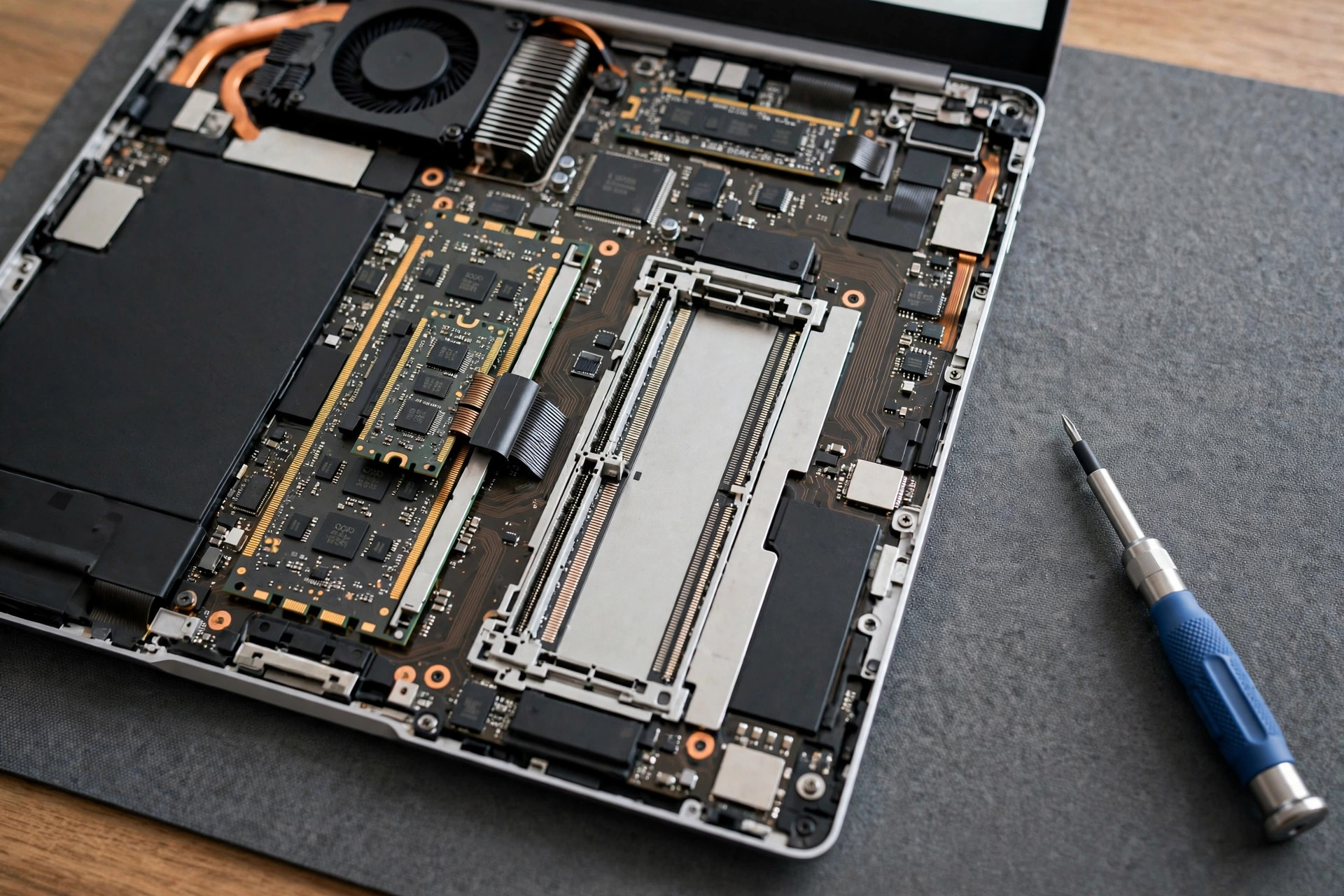
That laptop that felt fast two years ago is now gasping every time you open a second Electron app — and the culprit is often memory, not the processor. A RAM upgrade is t…
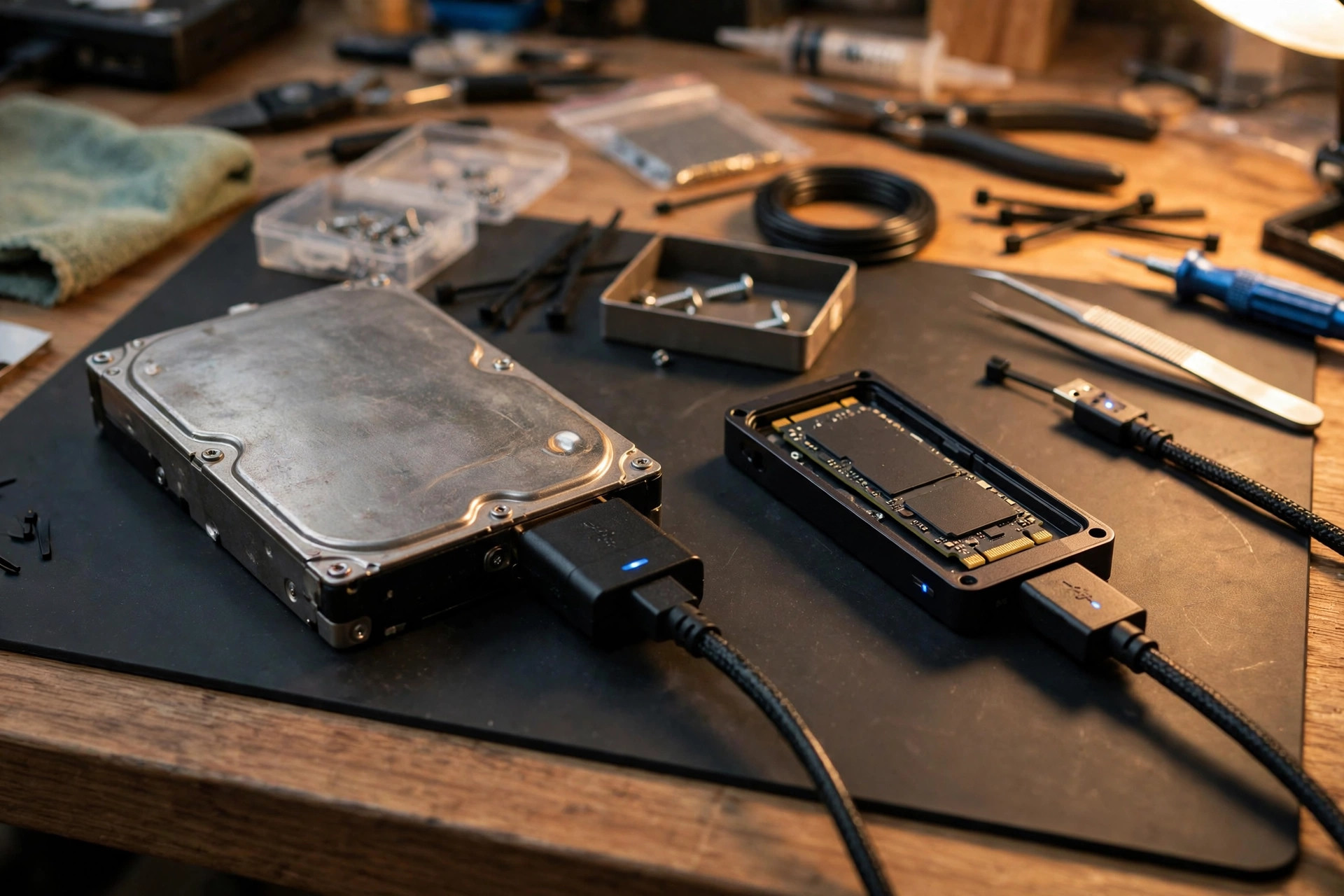
Upgrading to a new SSD does not have to mean a weekend of reinstalling Windows, re-downloading applications, and re-entering license keys. Learning how to clone SSD to ne…

Unlike a hard drive, an SSD rarely gives you an audible warning before it fails. There is no clicking head, no grinding platter — just a drive that works perfectly one da…
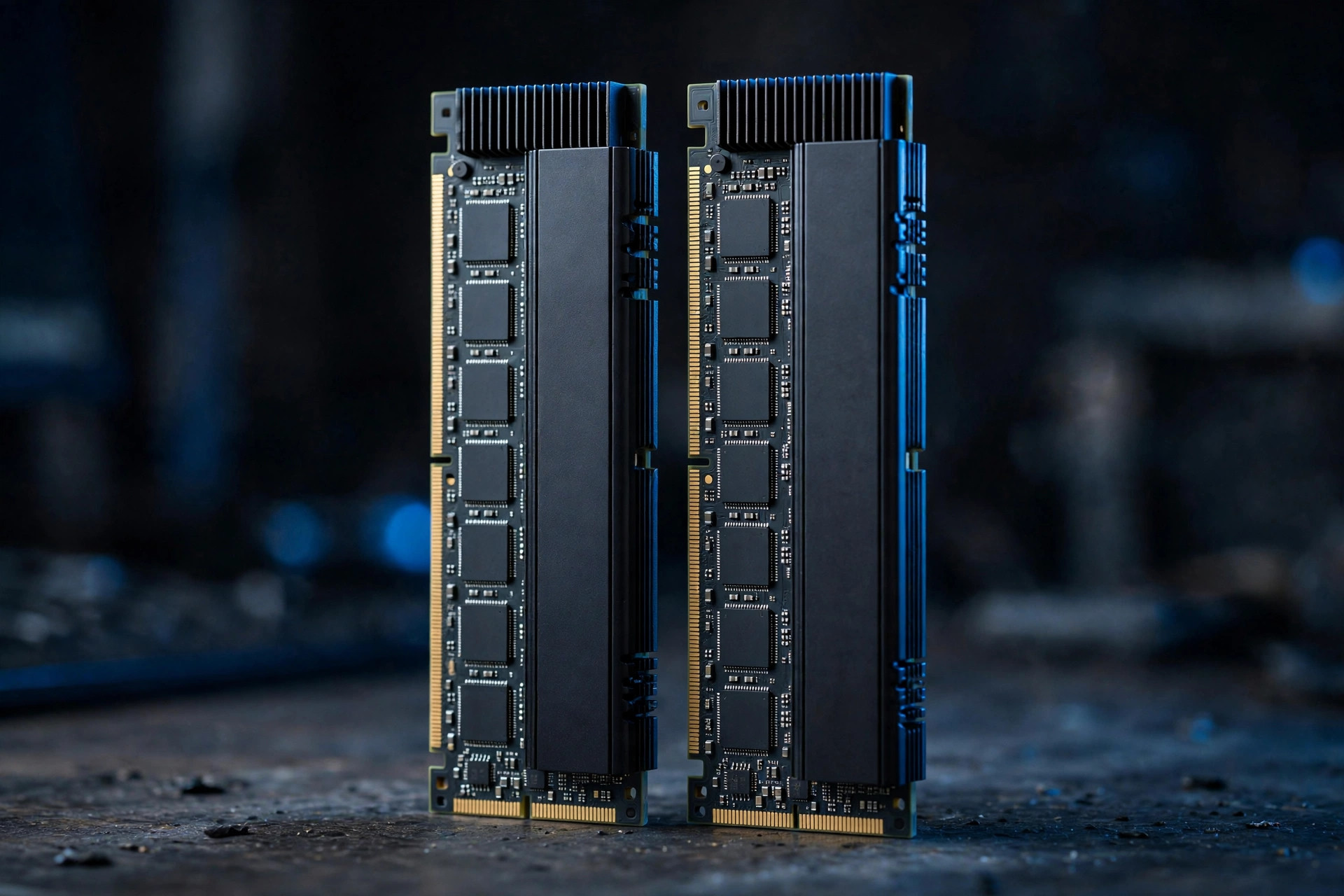
RAM was the easiest upgrade decision in PC building for a decade: buy as much as you can afford. In 2026, with DDR5 prices roughly quadrupled since mid-2025, every gigaby…
"How long do SSDs last?" is one of the most searched storage questions, and the honest answer has two parts: the NAND flash wears out eventually, but for most users the d…
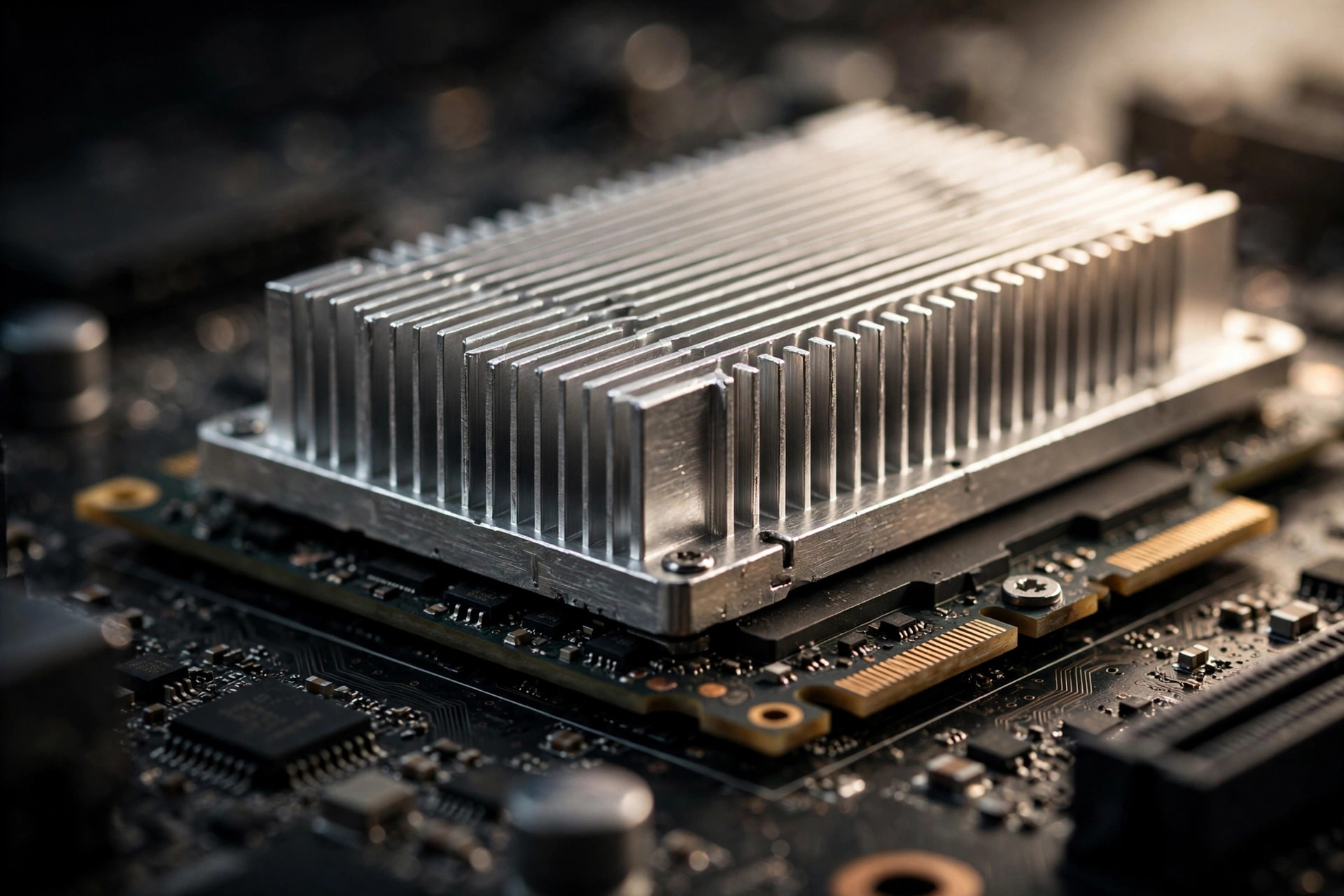
Every SSD launch now comes with thermal warnings, and heatsink-equipped models command a premium. But plenty of drives run perfectly bare. So, do SSDs need heatsinks ? Th…
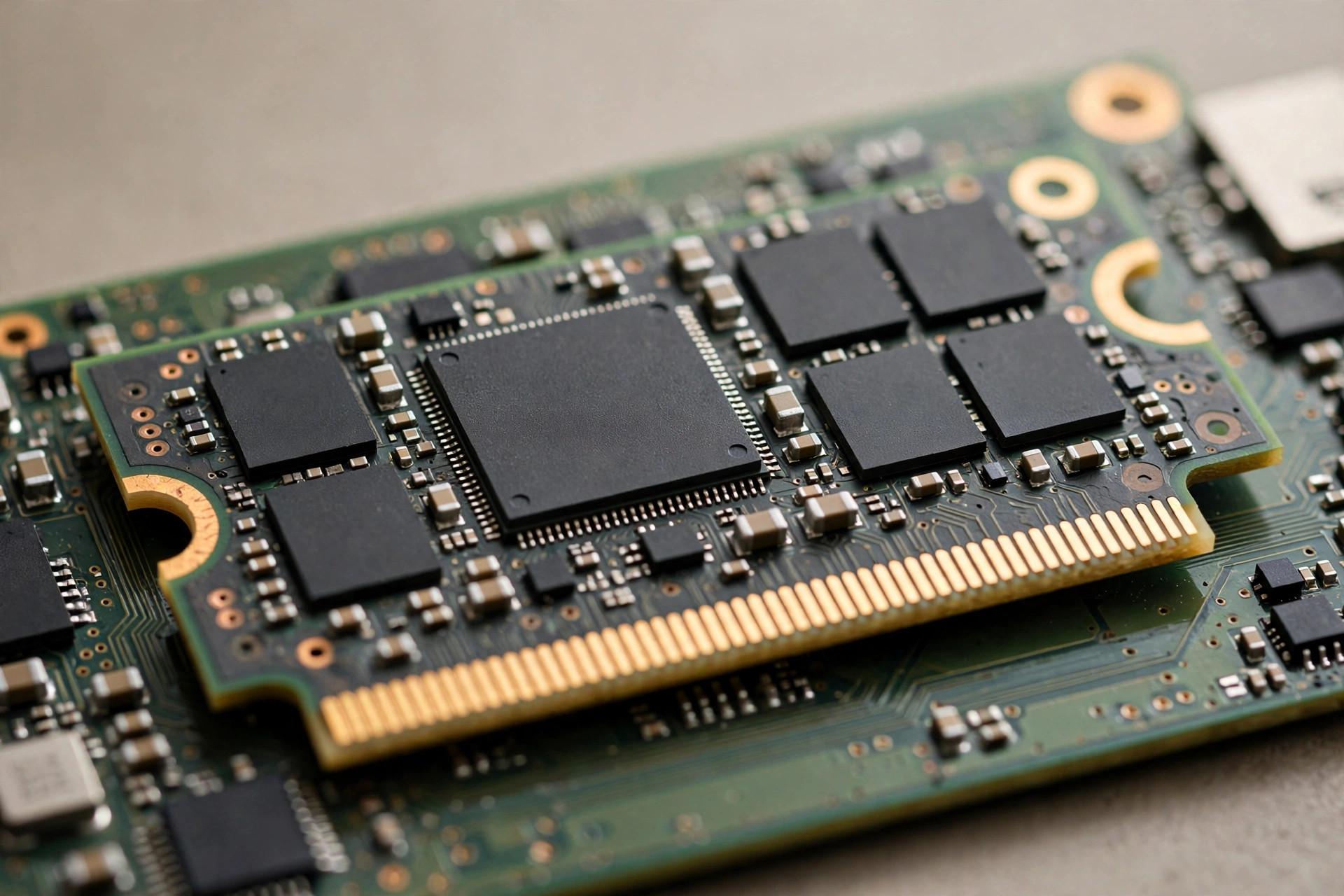
One of the most confusing lines on an SSD spec sheet is also one of the shortest: whether the drive has onboard DRAM cache. Premium NVMe drives ship with a dedicated DRAM…
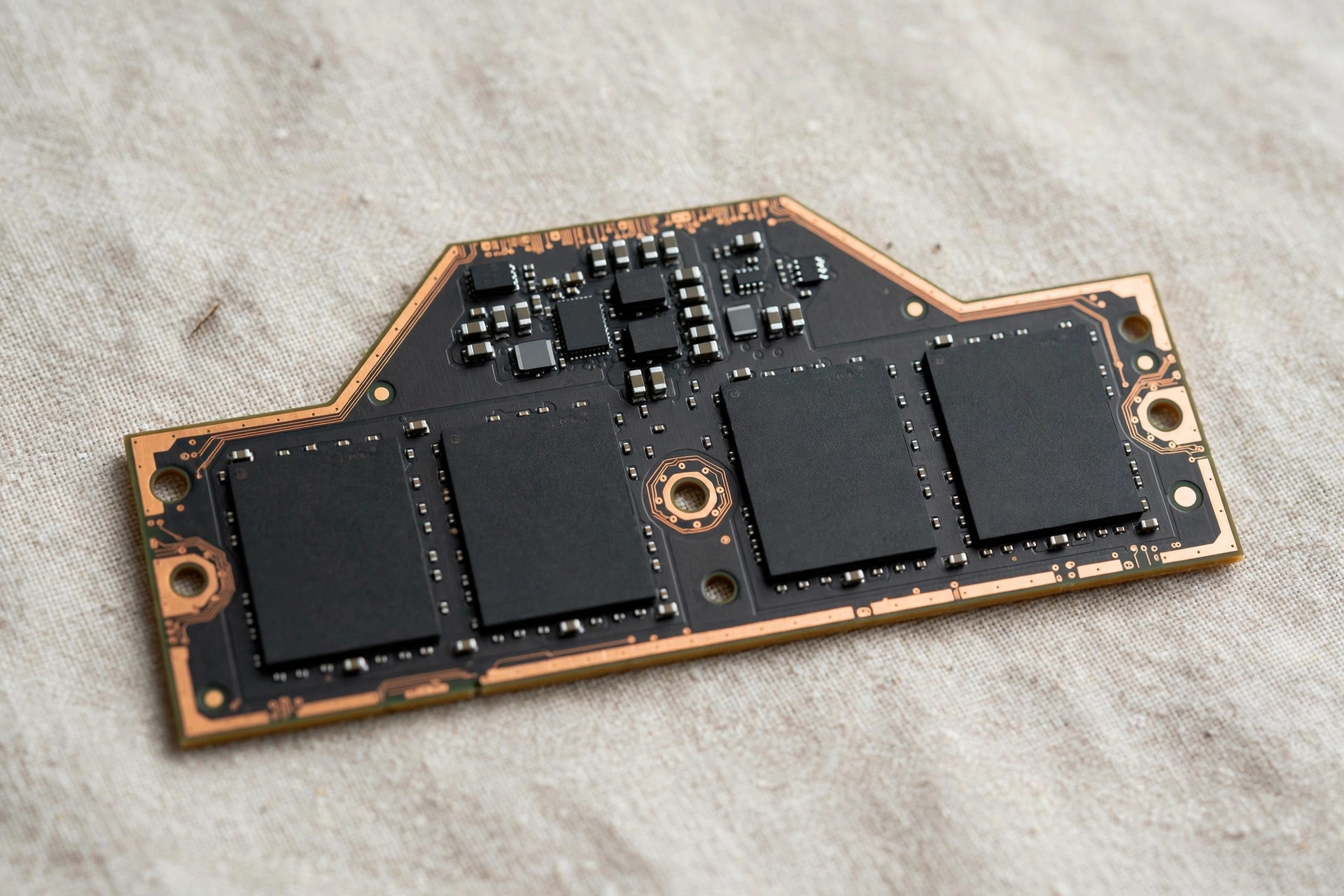
Laptop memory is stuck in a bad compromise. SODIMM slots keep RAM upgradable but are thick and slow; soldered LPDDR is thin and fast but locks you into whatever you bough…
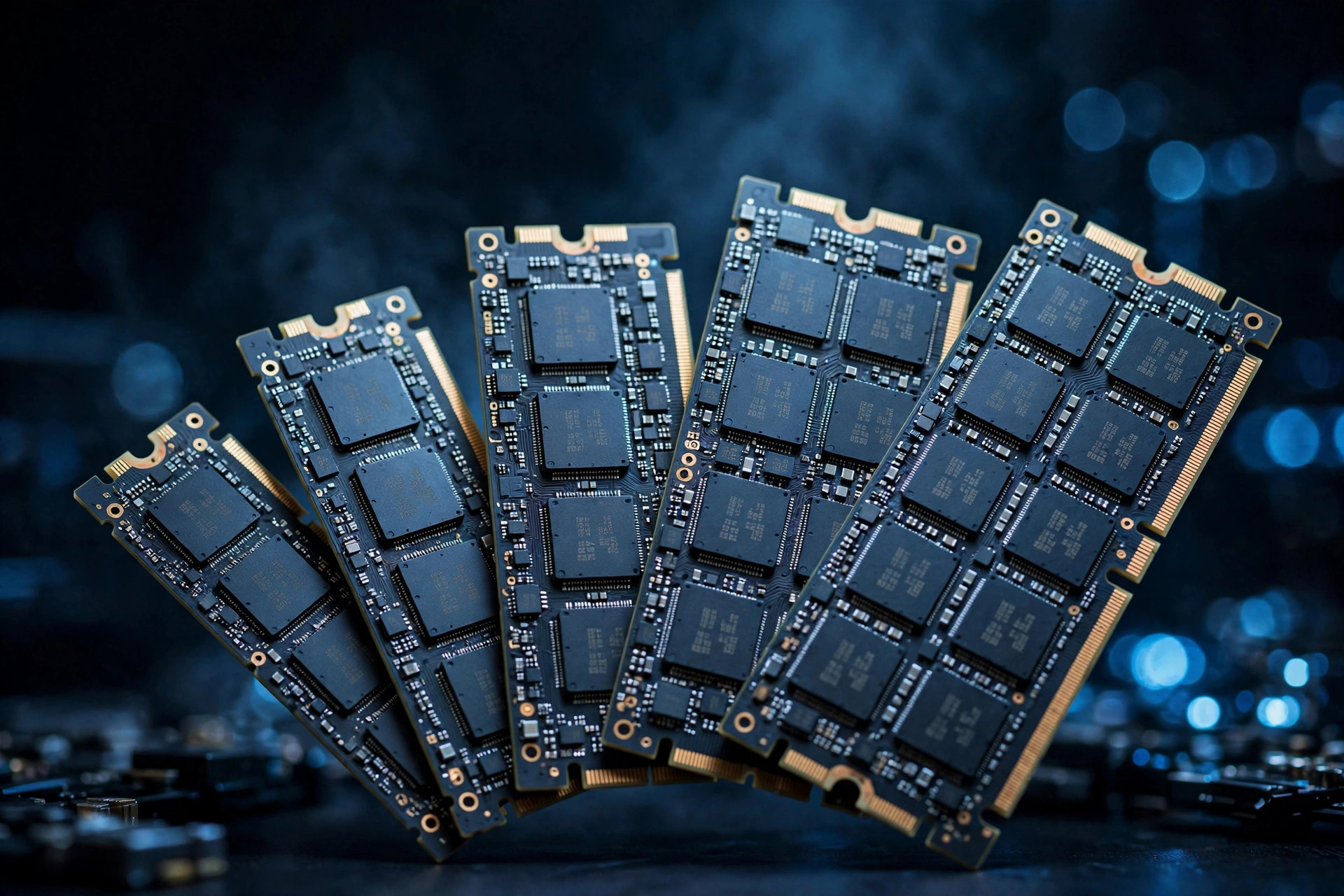
Two years ago the advice was simple: SSDs were cheap, buy the biggest you can afford. In 2026, with a 2TB NVMe drive sitting near $300–380 instead of $120–150, capacity i…
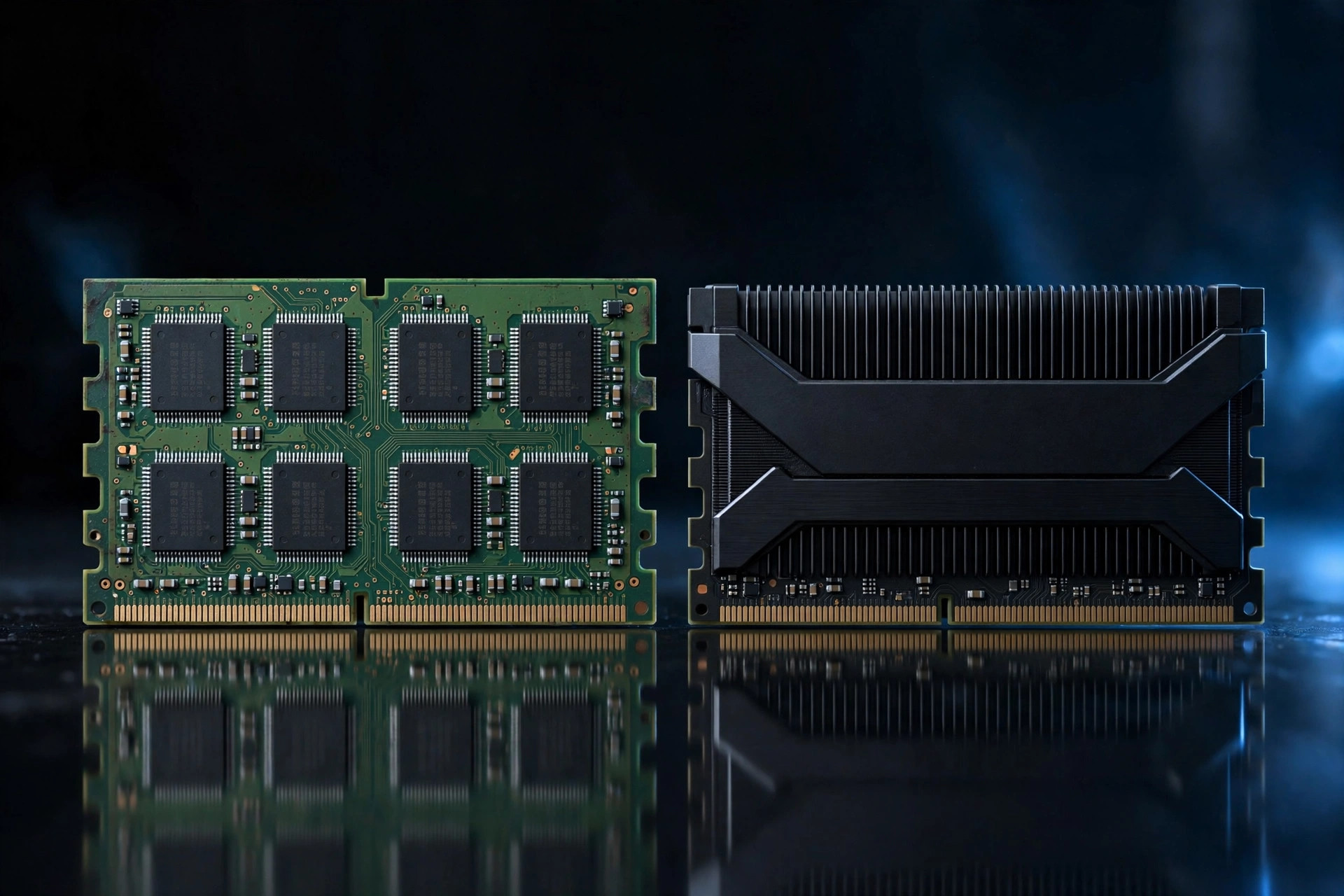
For years the advice was simple: DDR5 for new builds, DDR4 for budget upgrades. The 2026 memory crunch broke that script — and the right choice now depends on details mos…

Portable SSDs all advertise blistering speeds — 1,000 MB/s, 2,000 MB/s, more. But creators who've watched a "2,000 MB/s" drive crawl during a 200GB offload know the truth…
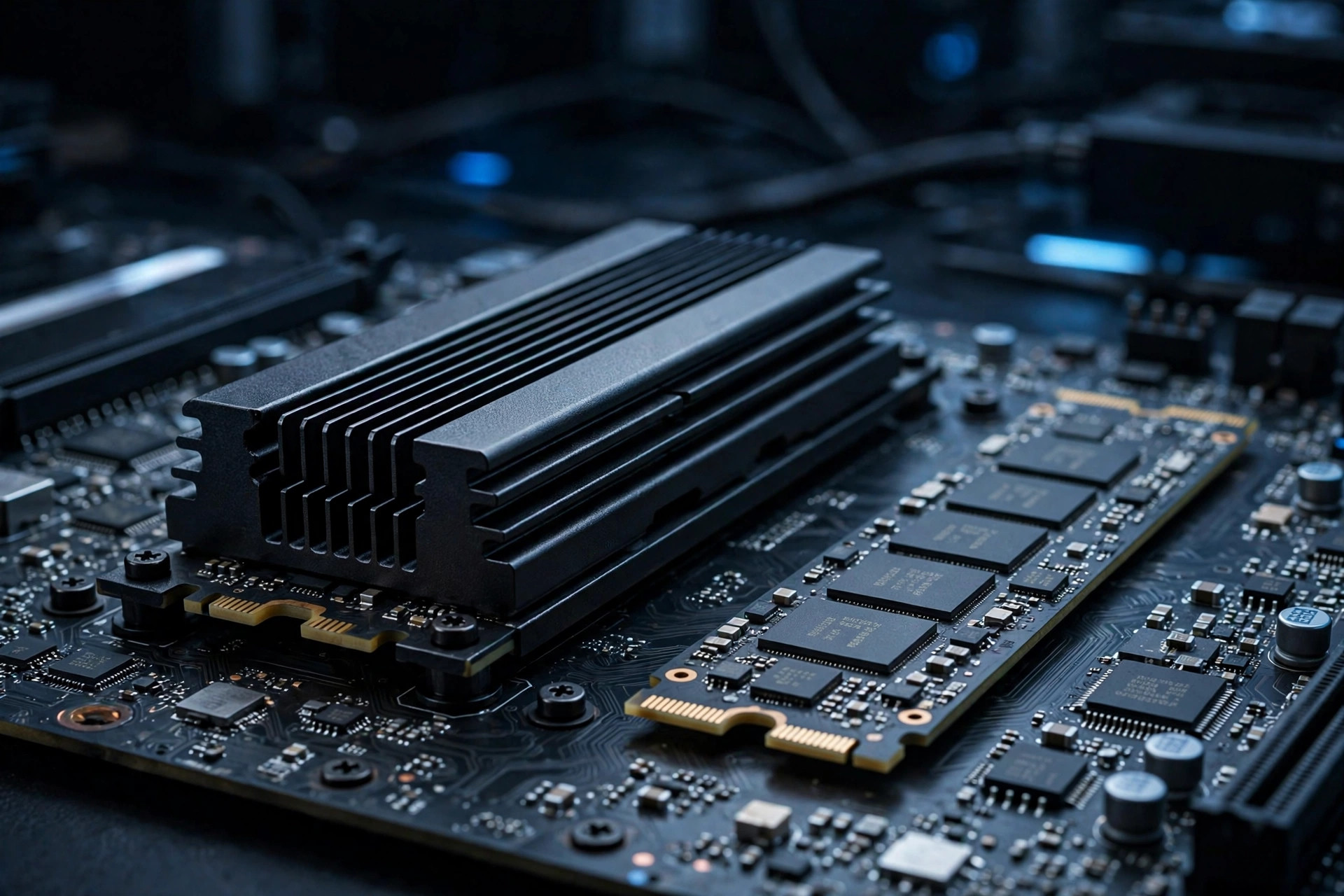
PCIe 5.0 SSDs like the FURY Renegade G5 now top 14,000 MB/s — double the ceiling of Gen4. But in a year when NAND prices have surged, the question is not how fast Gen5 is…