PCIe Gen5 SSDs in 2026: Are the Speeds Worth the Money Yet?
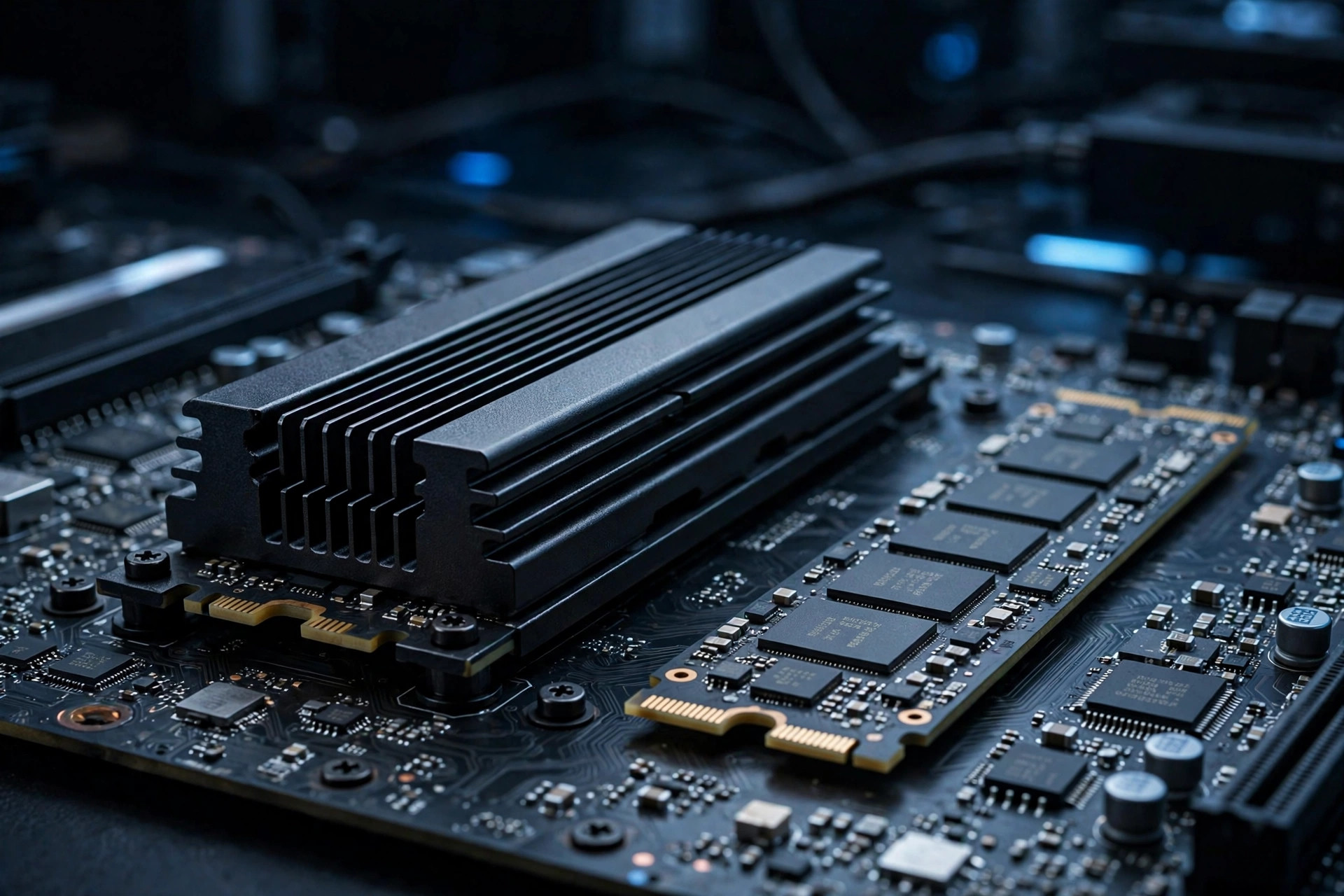
PCIe 5.0 SSDs like the FURY Renegade G5 now top 14,000 MB/s — double the ceiling of Gen4. But in a year when NAND prices have surged, the question is not how fast Gen5 is. Is PCIe 5.0 SSD worth it for your build, your budget, and your actual workloads? This guide gives you the honest answer: the benchmarks, the hidden costs, and the specific cases where Gen5 earns its premium.
The honest performance picture
| Generation | Typical max read | Best for |
|---|---|---|
| PCIe 3.0 | ~3,500 MB/s | Budget builds, older laptops, NAS cache |
| PCIe 4.0 | ~7,000 MB/s | The 2026 sweet spot for most users |
| PCIe 5.0 | ~14,000 MB/s | 8K video, huge datasets, DirectStorage gaming |
For gaming load times, the jump from a SATA SSD to any NVMe drive is transformative; from Gen4 to Gen5 it is typically single-digit percentages. That surprises people, so it is worth understanding why: game loading is dominated by random reads, decompression, and CPU work — not sequential throughput. Our Gen4 vs Gen5 in real-world use comparison puts those benchmark numbers next to everyday experience. The headline 14 GB/s number describes large contiguous transfers, which games rarely do.
The drives earn their keep in sustained workloads: video editors scrubbing 8K footage, developers compiling massive codebases, and anyone regularly moving 50GB+ files. If your day involves copying a 200GB project folder before lunch, Gen5 cuts that wait roughly in half versus Gen4. If your day involves opening a browser and a spreadsheet, it cuts nothing at all.
Is PCIe 5.0 SSD worth it? Three things to check before buying Gen5
- Cooling. Gen5 controllers throttle hard without a heatsink — sustained writes can push a bare controller past its thermal limit in under a minute, at which point the drive slows to Gen4 speeds or worse. Verify your motherboard ships with a proper M.2 heatsink, or budget for a third-party one. Our SSD heatsink guide for 2026 covers which cooler designs actually work and which are decorative.
- Lane sharing. On many boards, populating the Gen5 M.2 slot steals lanes from the GPU slot — typically dropping the graphics card from x16 to x8. Check your manual; an x8 GPU is usually fine for current cards, but know the tradeoff before you discover it in BIOS.
- Price per gigabyte. In 2026's inflated NAND market, Gen4 drives often deliver 90% of the experience at 60% of the cost. Divide the drive price by its capacity and compare generations honestly — the Gen5 premium buys you a bigger number on a benchmark, not a proportionally better computer.
The platform question: does your PC even support Gen5?
A Gen5 SSD only reaches Gen5 speeds on a platform with a Gen5-capable M.2 slot — current-generation AMD and Intel desktop chipsets, generally. Drop the same drive into an older board and it negotiates down to Gen4, giving you an expensive 7,000 MB/s drive. That is not the end of the world if you plan a platform upgrade soon (the drive carries over), but it is a poor use of money if the rest of the system is staying put for years.
Laptop buyers should be especially careful. Many thin-and-light machines that advertise "PCIe 5.0 support" only do so on paper — the thermal headroom is not there, and the drive will throttle to speeds a cheaper Gen4 drive would have delivered without breaking a sweat. In laptops, Gen4 remains the rational ceiling.
The hidden cost stack of going Gen5
The drive's price tag is only the first line item. A Gen5 build carries a stack of secondary costs that rarely appear in reviews. First, the motherboard: a board with a proper Gen5 M.2 slot and a real heatsink (not a thin decorative plate) typically costs $30–60 more than its Gen4-only equivalent. Our Gen5 heatsink and motherboard compatibility guide breaks down which boards cool properly and which ones just look the part. Second, cooling: if your board's heatsink is inadequate, a quality third-party M.2 cooler adds another $15–25. Third, the opportunity cost — the $80–120 premium of Gen5 over an equivalent Gen4 drive could instead buy a jump from 2TB to a larger capacity, which most users would feel every day, unlike the sequential speed they will rarely touch.
Add it up and the "just $50 more for double the speed" narrative becomes $100–200 more for a complete, properly cooled Gen5 setup. That does not make Gen5 a bad buy — for the right workload it is still the fastest option — but it should be an informed buy. Price the whole stack, not just the drive, and compare it against what a top-tier entry on any best NVMe SSD 2026 list costs all-in.
Migrating without the pain: cloning your old drive
One underrated argument for upgrading in 2026: you do not have to reinstall anything. Modern cloning tools copy your entire OS, applications, and settings to the new drive sector by sector, and the process is far less scary than it sounds. Our walkthrough on how to clone your drive to a new SSD without reinstalling covers the whole procedure step by step.
Two precautions before you clone. First, back up anything irreplaceable to a cloud backup service or an external drive — cloning is reliable, but any operation that touches every sector of your data deserves a safety net, and a standing off-site backup protects you long after the migration is done. Second, if your old drive is failing rather than merely small, skip cloning: a dying drive can corrupt the copy mid-transfer, and that is a job for data recovery software (or a professional lab), not a migration tool. Knowing the difference between "upgrade" and "rescue" saves a lot of grief — data recovery is for saving what backups missed, never the plan itself.
Our recommendation
- Most builders: a quality 2TB Gen4 drive. Fast, cool, affordable — and a fixture on every best NVMe SSD 2026 roundup for good reason.
- Creators and pros: Gen5, with a heatsink, if your workflow moves big files daily. Pair it with fast memory while you are at it — check the current best DDR5 RAM picks, since a balanced workstation should not starve a 14 GB/s drive with slow system memory.
- Upgrading an older PC: even a budget Gen3 NVMe is a massive leap over SATA. Spend the savings on capacity or a backup drive instead.
FAQ
Is PCIe 5.0 SSD worth it for gaming?
Mostly not yet. Game load times improve by single-digit percentages over Gen4 because loading is bottlenecked by random reads and decompression, not sequential throughput. DirectStorage titles narrow the gap slightly, but a Gen4 drive remains the smarter gaming buy in 2026.
Do Gen5 SSDs overheat?
They run hot by design — a Gen5 controller can draw 10W+ at full tilt. Without a heatsink, sustained transfers trigger thermal throttling within a minute or so. With a proper motherboard heatsink and case airflow, temperatures stay in the safe zone.
Will a Gen5 SSD work in my older motherboard?
Yes, PCIe is backward compatible — but the drive will run at your slot's speed (Gen4 or Gen3). You are paying for bandwidth you cannot use until you upgrade the platform.
Is the price premium over Gen4 justified in 2026?
Only for sustained-workload users: video editors, VFX artists, developers with huge codebases, and anyone moving 50GB+ files regularly. For general use and gaming, Gen4 delivers roughly 90% of the experience at about 60% of the cost.
Should I wait for Gen6?
No. Gen6 SSDs are not on any consumer roadmap that matters for buying decisions today, and waiting for the next interface has never been a good storage strategy. Buy for the platform you own now.
Bottom line: Gen5 is genuinely fast and finally maturing — the controllers are better and the firmware more honest than the first wave. But in 2026, with NAND prices inflated and Gen4 drives this good, Gen4 remains the smart money for most people. Buy Gen5 when your workflow, not the benchmark charts, tells you to.