FURY Renegade G5: PCIe 5.0 Speeds Hit 14,800 MB/s for Enthusiasts
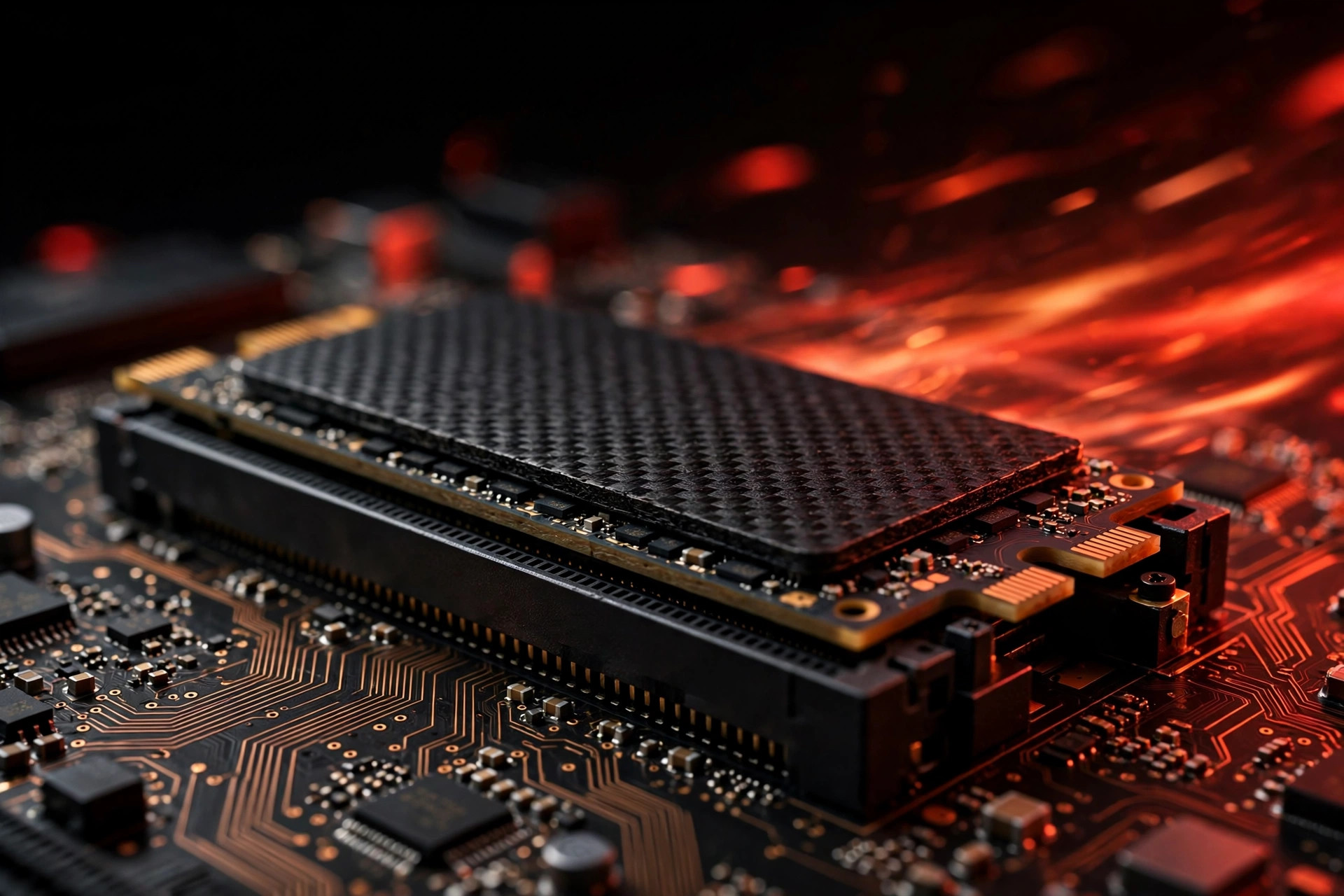
If you are shopping for the best PCIe 5.0 SSD 2026 has produced so far, the shortlist starts and ends with one drive: the FURY Renegade G5. With sequential reads up to 14,800 MB/s, writes to 14,000 MB/s, capacities scaling to 8TB, and random performance north of 2 million IOPS, it is the fastest consumer SSD its maker has ever shipped — roughly twice the throughput ceiling of the best PCIe 4.0 drives. The real question is not whether it is fast. It is whether you are the kind of user who can actually use that speed.
What 14.8 GB/s actually buys you
Doubling interface bandwidth does not double everything. Storage performance has three dimensions — sequential throughput (big files), random IOPS (small files), and latency — and PCIe 5.0 mainly moves the first one. The Renegade G5's headline number describes ideal conditions: large, contiguous files, a cool controller, and an empty SLC cache. In that scenario it genuinely sustains transfer rates that were unthinkable on consumer hardware two years ago.
The workloads where that matters are specific but real:
- DirectStorage games — GPU-direct asset streaming means less texture pop-in and faster level loads on supported titles, with the drive feeding the graphics card more directly than the old storage-to-CPU-to-GPU path.
- Video editing — scrubbing 8K timelines and multicam projects without proxy workflows, where several high-bitrate streams have to be decoded simultaneously.
- Large dataset work — checkpoint loading for local AI models, where tens of gigabytes move per load and storage becomes the bottleneck between you and the next training run.
- Raw file ingest — photographers and DITs copying hundreds of gigabytes off CFexpress cards at the end of a shoot day.
For everything else — booting, browsing, office work, even most game loads — the difference over a good Gen4 drive is measured in fractions of a second. Windows does not boot twice as fast. Chrome does not open twice as fast. Random IOPS and latency, the metrics that govern everyday snappiness, improved far less than sequential throughput did.
Inside the drive: controller, NAND, and why Gen5 runs hot
The Renegade G5 pairs a high-end PCIe 5.0 x4 NVMe controller with fast TLC NAND, a DRAM cache, and firmware tuned for sustained performance rather than burst benchmarks. That combination is what holds 14 GB/s together across long transfers instead of collapsing after the cache fills — a common weakness of cheaper Gen5 drives that look identical on a spec sheet.
The physics tax is heat. A Gen5 controller at full tilt draws roughly 10–12 watts through a fingernail-sized chip, and sustained 14 GB/s transfers demand a real heatsink and genuine case airflow. Most current motherboards include an M.2 heatsink on the primary slot, which covers the average builder — but thin laptops and compact mini-PCs are a no-go zone. Without cooling, the drive does what every modern SSD does under thermal stress: it throttles, sometimes down to Gen4-level speeds, which defeats the point of paying the Gen5 premium. If your build cannot fit proper cooling, read our SSD heatsink guide for 2026 before you buy anything Gen5 — and check our guide to Gen5 heatsinks and motherboard compatibility to see which boards handle the heat properly.
How it stacks up: the 2026 NVMe landscape
| Drive class | Max sequential read | Typical 2TB price tier | Cooling needed |
|---|---|---|---|
| Budget PCIe 3.0 | ~3,500 MB/s | Lowest | None |
| Flagship PCIe 4.0 (e.g. KC3000) | ~7,000 MB/s | Mid | Motherboard heatsink fine |
| FURY Renegade G5 (Gen5) | 14,800 MB/s | Premium | Real heatsink + airflow |
That middle row is the elephant in the room. Flagship Gen4 drives deliver roughly half the sequential speed but around 90–95% of the real-world experience for most users — at a fraction of the heat and a much friendlier price. Our Gen4 vs Gen5 in real-world use comparison puts those benchmark numbers next to everyday experience. It is no accident that Gen4 flagships still dominate every best NVMe SSD 2026 roundup: reviewers keep concluding that the extra money buys benchmark numbers more than it buys a better computer. In a year when NAND costs have surged, the Gen4 value math is hard to beat, which is why our broader take on the question of whether Gen5 is worth it in 2026 still lands on Gen4 for most builders.
Best PCIe 5.0 SSD 2026: who should buy the Renegade G5, and who should skip it
Buy it if: you move huge files daily — 8K or 12K video, VFX, large local AI models, scientific datasets. If your income depends on ingest and render times, the Renegade G5 is the fastest tool for the job and will pay for itself. Creators building a fresh workstation should also consider pairing it with fast memory, since the drive is frequently bundled in upgrade guides alongside FURY Beast DDR5 RGB kits — a matched performance path that shows up on most best DDR5 RAM roundups this year.
Skip it if: you are building a gaming PC on a budget, upgrading a laptop, or your motherboard lacks a Gen5 M.2 slot with a proper heatsink. You will get effectively the same gaming experience from a top Gen4 drive for far less money. Our KC3000 vs FURY Renegade comparison walks through the two Gen4 flagships that make the stronger case for most builds in 2026.
A word on protecting the data on a fast drive
Speed is only half the storage story. A drive this fast tends to become the single home for irreplaceable work — active projects, photo libraries, model checkpoints. Two habits matter more than any benchmark: keep a cloud backup of anything you cannot recreate, and know your options if the worst happens. Modern data recovery software can salvage files from many logical failures (accidental deletion, corrupted partitions), but no software recovers a physically dead NAND chip — so treat data recovery as a last resort, not a plan. With 8TB capacities now common at the high end, a full backup strategy is not optional; it is the price of admission.
FAQ
Is the FURY Renegade G5 the best PCIe 5.0 SSD 2026 buyers can get?
For peak sequential throughput on a consumer drive, yes — 14,800 MB/s reads and 14,000 MB/s writes lead the class, and the 8TB capacity option is rare among Gen5 flagships. "Best" still depends on your workload: if you do not move large files constantly, a flagship Gen4 drive is the better buy.
Does the Renegade G5 need a heatsink?
Effectively, yes. Sustained Gen5 transfers generate enough heat to trigger thermal throttling without one. Most modern motherboards include an M.2 heatsink on the primary slot, which is sufficient with decent case airflow. Thin laptops should avoid Gen5 entirely.
Will it work in a PCIe 4.0 slot?
Yes — PCIe is backward compatible, and the drive will run at Gen4 speeds (around 7,000 MB/s). That works fine as a stopgap, but you are paying for speed you cannot use until you upgrade the platform.
Is 8TB worth it, or is 2TB the smarter buy?
For most users, 2TB remains the value sweet spot per gigabyte. The 4TB and 8TB models make sense for single-slot laptops and professionals with genuinely large local archives — see our capacity breakdown for the full math.
How much faster is it than the best Gen4 drives in games?
In load times, typically single-digit percentages — the jump from SATA to any NVMe was the transformative one. Gen5 earns its keep in sustained workloads (video, datasets, DirectStorage streaming), not in shaving seconds off game launches.
Bottom line: The Renegade G5 is the fastest consumer SSD its maker has ever shipped, and a deserving pick for the best PCIe 5.0 SSD of 2026 — if you move huge files daily. For everyone else, a quality Gen4 drive remains the value king, delivering nearly all of the real-world experience for far less money and heat.