KC3000 vs FURY Renegade SSD: PCIe 4.0 Picks in a Gen5 World
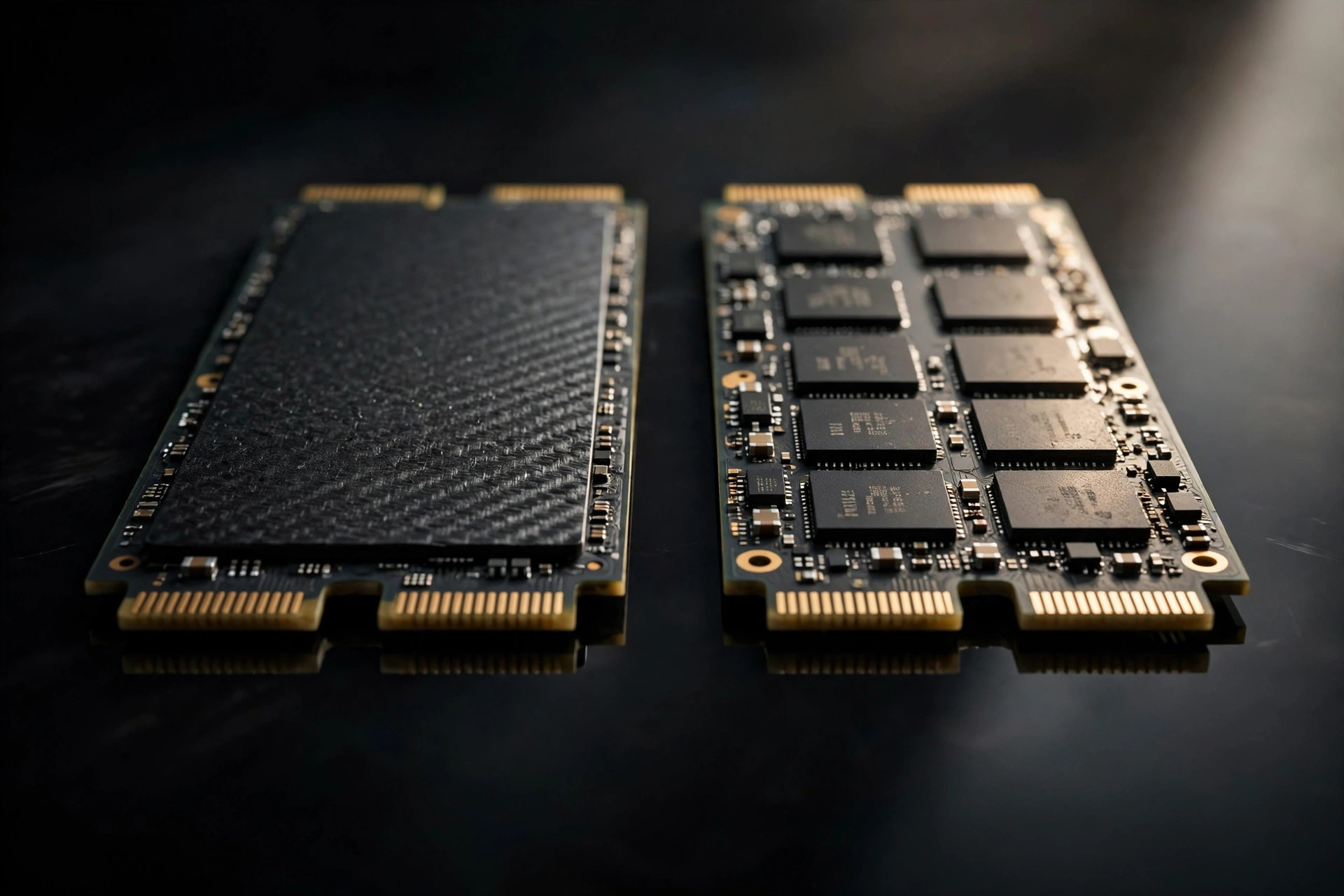
PCIe 5.0 SSDs grab the headlines, but the two PCIe 4.0 flagships — the KC3000 and the FURY Renegade SSD — remain the rational buy for most builders in 2026, and the strongest contenders for the title of best PCIe 4.0 SSD 2026. Both push the Gen4 interface to its practical limit at up to 7,000MB/s reads. So which one deserves your M.2 slot? We compared speeds, endurance, thermals, capacities, and street pricing to give you a definitive answer.
Same DNA, different attitude
Under the hood the two drives are close relatives: high-end controllers, TLC NAND, and strong sustained-write behavior that separates flagships from budget drives. The KC3000 is positioned as the no-nonsense performance drive for power users and workstations — understated looks, maximum throughput, no theater. The FURY Renegade leans into the gaming identity with its branding, and ships in a variant with a graphene aluminum heat spreader for builds where the motherboard's own M.2 cooling is thin or missing.
That shared DNA is why this comparison is famously difficult to resolve on benchmarks alone. Both drives saturate PCIe 4.0 x4 in sequential reads, both use quality TLC NAND rather than slower QLC, and both carry DRAM caches that keep random performance consistent when the drive fills up. The differences that matter are practical, not synthetic.
Best PCIe 4.0 SSD 2026: performance head-to-head
| Metric | KC3000 | FURY Renegade SSD |
|---|---|---|
| Sequential read | Up to 7,000 MB/s | Up to 7,300 MB/s |
| Sequential write | Up to 6,000 MB/s | Up to 6,000 MB/s |
| Random read (4K) | ~1,000K IOPS | ~1,000K IOPS |
| NAND type | TLC | TLC |
| Capacities | 512GB – 4TB | 500GB – 4TB |
| Heatsink option | No (bare drive) | Yes (graphene aluminum variant) |
In sequential throughput both drives saturate the Gen4 interface — around 7,000MB/s read and 6,000MB/s write depending on capacity. Random performance and sustained writes are within a few percent of each other, a margin that vanishes entirely once you account for normal test variance. In blind testing, no typical desktop workload distinguishes them: game loads, application launches, and file copies feel identical because at this level the bottleneck has moved elsewhere — usually the CPU or the source drive.
Where flagships like these pull away from budget Gen4 drives is sustained performance. A cheap DRAM-less drive can post an impressive burst number and then collapse to a few hundred MB/s once its SLC cache fills during a 100GB copy. Both the KC3000 and the FURY Renegade hold their speeds across long transfers, which is the real reason they top best NVMe SSD 2026 lists while cheaper drives with similar headline numbers do not.
Endurance and capacities
Both lines scale from 512GB to 4TB, with total bytes written (TBW) ratings that comfortably cover heavy desktop use — the 2TB models are rated around 1,600 TBW. To put that in perspective: writing 100GB every single day, you would need over 40 years to exhaust the rating. For most buyers, endurance is a non-decision between these two; either will outlive the system it is installed in.
Capacity choice matters more than the choice between the drives. Our breakdown of 2TB vs 4TB SSDs in 2026 walks through the current price-per-gigabyte math, but the short version is: 2TB sits at the knee of the value curve, while 4TB makes sense mainly for single-slot laptops and users with genuinely large local libraries.
Thermals: the one real differentiator
Gen4 flagships run far cooler than Gen5 drives, but they are not immune to heat — sustained writes on a bare drive in a poorly ventilated case can still trigger throttling. This is where the product positioning actually matters: the FURY Renegade's heatsink variant, with its graphene aluminum heat spreader, is the tidier solution if your motherboard lacks a good integrated M.2 heatsink. The KC3000 ships bare, so it assumes your board's cooling will do the job — which, on most modern motherboards, it does.
Practical rule: check your motherboard first. If the primary M.2 slot has a metal heatsink (most boards from the last few generations do), buy whichever drive is cheaper. If it does not, the Renegade with heatsink saves you a separate cooler purchase and the fiddliness of installing one.
What about cheaper Gen4 drives?
A fair objection: if Gen4 is the smart buy, why pay flagship prices at all? Budget Gen4 drives with DRAM-less controllers and QLC NAND cost substantially less, and their burst benchmarks can look close to the flagships. The difference shows up over time. DRAM-less designs slow down as the drive fills, sustained writes collapse once the small SLC cache exhausts, and QLC NAND wears faster under heavy write workloads. Our DRAM-less vs DRAM SSD explainer details exactly where the cheaper designs fall behind. For a secondary drive holding games or media, those compromises are perfectly acceptable — buy cheap and do not look back.
For the OS drive — the one your system boots from, your applications launch from, and your active projects live on — the flagship premium buys consistency: steady random performance at 80% full, sustained writes that do not fall off a cliff, and endurance ratings measured in thousands of terabytes. That is precisely why drives like the KC3000 and FURY Renegade keep appearing on best NVMe SSD 2026 lists while cheaper drives with similar headline speeds do not. Match the drive tier to the job: flagship for the system drive, budget for bulk.
Which to buy in 2026
With NAND prices elevated, the deciding factor is street price and the heatsink question. If your motherboard already has a good M.2 heatsink, buy whichever is cheaper — usually the KC3000. If you need cooling included, the FURY Renegade with heatsink is the tidier package. Either way, you get ~95% of the real-world experience of a Gen5 drive for substantially less money and heat — a conclusion our broader Gen5 buying guide reaches from the other direction. If you are still torn between generations, our Gen4 vs Gen5 real-world comparison measures what the extra money actually buys.
One more consideration for upgraders: both drives are excellent cloning targets. If you are moving from a smaller or older SSD, clone rather than reinstall — and keep a cloud backup of irreplaceable files before any drive surgery. Should a migration ever go wrong, data recovery software can rescue many logical failures, but a verified backup means you never need to find out how good data recovery tools really are.
FAQ
Which is the best PCIe 4.0 SSD 2026: KC3000 or FURY Renegade?
It is effectively a tie on performance — both saturate Gen4 at ~7,000 MB/s reads with TLC NAND and ~1,600 TBW endurance at 2TB. Buy the KC3000 if it is cheaper and your motherboard has an M.2 heatsink; buy the FURY Renegade if you need the bundled heatsink variant or prefer its gaming-oriented package.
Is a Gen4 flagship still worth buying with Gen5 available?
Yes — for most users it is the better buy. You get roughly 95% of the real-world experience of a Gen5 drive at a much lower price and with far less heat. The fastest Gen5 drives only pull ahead in sustained large-file workloads like 8K video editing and massive dataset transfers.
Do I need the heatsink version?
Only if your motherboard lacks a decent integrated M.2 heatsink. Most modern boards include one, in which case the bare drive is fine. Thin or older boards benefit from the Renegade's graphene aluminum heat spreader variant.
How long will these drives last?
Essentially the life of your PC. The 2TB models carry ~1,600 TBW ratings — writing 100GB daily would take over four decades to exhaust. NAND wear is not a realistic concern for desktop use on either drive.
Should I get 2TB or 4TB?
2TB is the value sweet spot for most users. Choose 4TB if you have only one M.2 slot (common in laptops) or you keep large local media and project libraries. See our 2TB vs 4TB capacity guide for the full price-per-GB analysis.
Bottom line: Do not overthink this one. KC3000 for value, FURY Renegade if you want the heatsink or the branding — both are excellent, both are legitimate answers to "best PCIe 4.0 SSD 2026," and both make more sense than Gen5 for most PCs in 2026.