How Much RAM Do You Really Need in 2026? 16GB vs 32GB vs 64GB
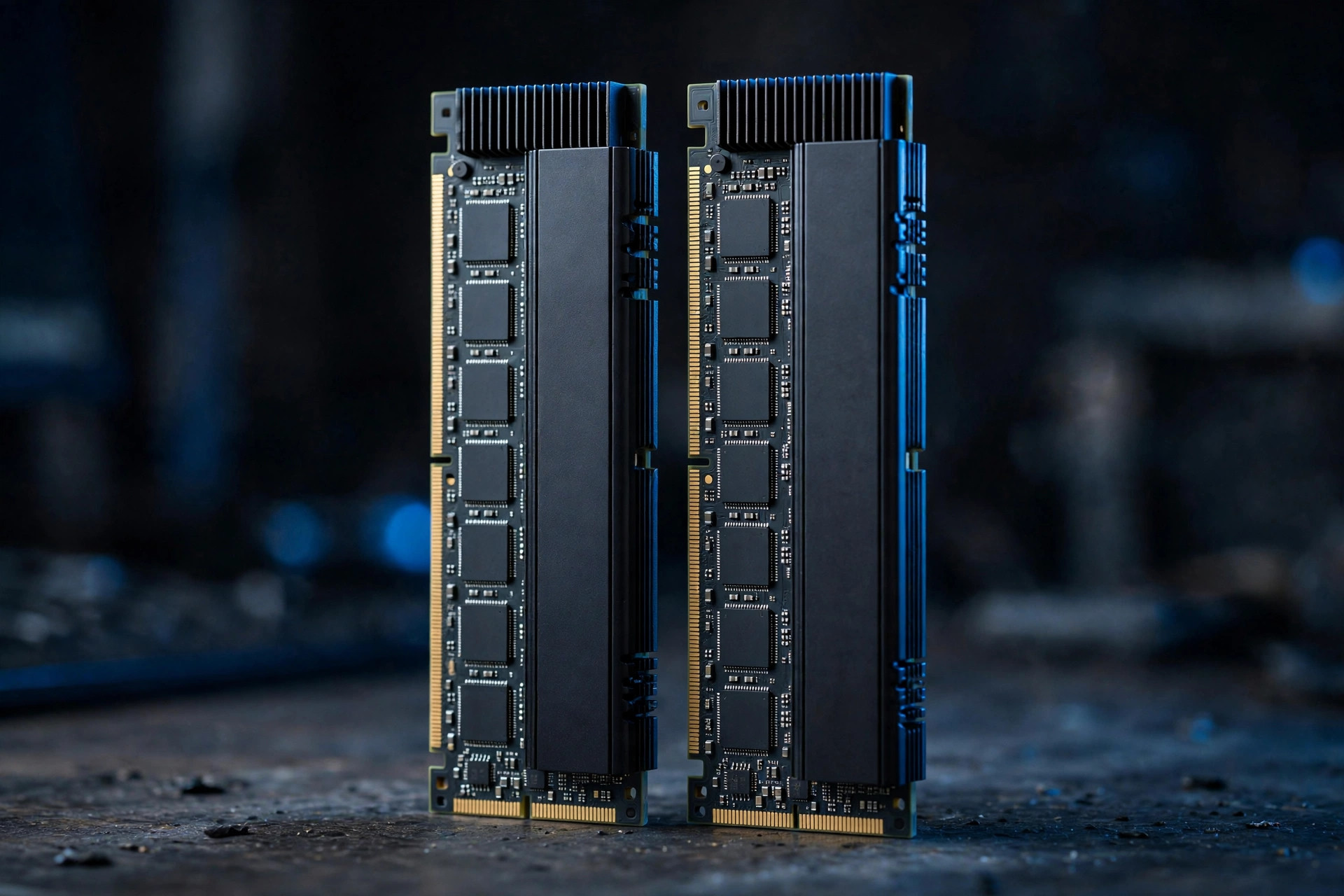
RAM was the easiest upgrade decision in PC building for a decade: buy as much as you can afford. In 2026, with DDR5 prices roughly quadrupled since mid-2025, every gigabyte has to earn its place. So how much RAM do I need — really, for the work I actually do? This guide answers that workload by workload, so you buy the capacity you'll use instead of the capacity that looks good on a spec sheet.
How much RAM do I need? The short answer
| Capacity | Who it's for | 2026 verdict |
|---|---|---|
| 16GB | Pure gaming, office work, students | The new minimum — workable, not comfortable |
| 32GB | Gaming + multitasking, light creation, local AI | The sweet spot for almost everyone |
| 64GB | Video editing, development, larger local LLMs | Worth it for creators and tinkerers |
| 96GB+ | Workstations, heavy simulation, AI training | Registered DDR5 (RDIMM) territory |
If you want the one-line version: 16GB if you only game, 32GB for almost everyone else, 64GB if you create or tinker with AI. The rest of this guide explains why — and where the edge cases hide.
16GB: the new minimum, not the sweet spot
For pure gaming with nothing else open, 16GB of DDR5 still works — most current titles stay under 12GB. But the moment you add Discord, a browser with twenty tabs, and a stream running, you are at the ceiling. Windows itself idles at 4–5GB with a normal background load, modern browsers happily eat 2–4GB, and a single Chrome tab with a heavy web app can surprise you. In 2026, 16GB is the floor for a comfortable experience, not the target.
When the system runs out of RAM, it pages to the SSD — and even the best NVMe SSD 2026 has to offer is orders of magnitude slower than DRAM. The result is stutter: alt-tabbing freezes, texture pop-in, the stream dropping frames while the game hitches. If your machine has 16GB and feels fine today, it is fine; if it stutters under your real workload, capacity — not speed — is almost certainly the fix. New builders should treat 16GB as the absolute floor and budget permitting, start at 32GB.
32GB: the 2026 sweet spot
For gaming plus multitasking, 32GB (2x16GB) DDR5-6000 CL30 remains the recommendation that covers nearly everyone. It absorbs background apps, light content creation, and even local AI workloads like running a 7B-parameter model alongside your desktop. If you buy one kit this year, make it this one.
The 2x16GB configuration matters: two sticks run in dual-channel mode, roughly doubling memory bandwidth versus a single stick, and 16GB DIMMs are the price-per-gigabyte sweet spot of the DDR5 market. Four sticks can complicate stability at high frequencies on some boards, so two is the cleaner build. At DDR5-6000 CL30 you are sitting on the price-performance knee — fast enough that memory is never the bottleneck in gaming, cheap enough (relatively) that the capacity does the talking.
This is also where the best DDR5 RAM conversation lives for mainstream builders: established enthusiast lines such as FURY Beast hit the balance of validated XMP/EXPO profiles, sensible heat spreaders and binning consistency. Our DDR5 vs DDR4 buying guide covers whether your platform should be DDR5 at all — in 2026, for any new build, the answer is yes.
64GB: for creators and the AI-curious
Video editors working with 4K+ timelines, developers running containers and VMs, and anyone experimenting with larger local LLMs will feel the difference at 64GB. Premiere and DaVinci Resolve cache frames aggressively; a 4K multicam timeline with effects can sail past 32GB without asking permission. Developers stacking Docker containers, a local database and an IDE will recognize the pattern too.
The AI angle is the new one. A 7B-parameter model in 4-bit quantization fits in roughly 5–6GB of RAM, but step up to 13B or 70B-class models and the math changes fast — 70B at 4-bit wants around 40GB before the OS and your desktop take their share. 64GB is the entry ticket to serious local-LLM experimentation, and it is no coincidence that memory vendors now market creator kits with AI workloads in mind. Beyond that — 96GB or 128GB kits — you are in workstation territory, where registered DDR5 (RDIMM) on Threadripper or Xeon W platforms makes more sense than desktop UDIMMs.
Capacity beats speed — especially in 2026
Here is the comparison shoppers get backwards most often: 32GB of DDR5-5600 will beat 16GB of DDR5-7200 for nearly everyone, in nearly everything. Frequency buys you single-digit percentage gains in most real workloads; capacity buys you the absence of paging, stutter and out-of-memory crashes. With DRAM prices inflated, the temptation is to buy a smaller, faster kit to feel like you got something premium. Resist it.
The one partial exception is integrated graphics: APUs and handheld-class chips with no dedicated VRAM live off system memory bandwidth, so faster RAM genuinely helps there. For everyone with a discrete GPU, capacity first, then the DDR5-6000 CL30 knee, then stop. If you want the full breakdown of when halo frequencies pay off, read our DDR5-8000 vs DDR5-6000 analysis — spoiler: for 95% of builders, the cheaper kit wins.
RAM vs SSD: where should the next dollar go?
Memory is the worst-value component in the PC market right now, which makes this question sharper than usual. If your system already has enough RAM for your workload, an SSD upgrade delivers far more noticeable improvement per dollar: faster boots, instant app launches, room for the games and projects that currently live on a spinning drive or a full 256GB boot SSD.
The decision tree is simple. Open Task Manager (or Activity Monitor) during your heaviest real workload: if memory sits above 85–90% sustained, buy RAM. If it doesn't, your money belongs in storage — and the capacity question there has its own guide: our 2TB vs 4TB SSD breakdown walks through how much flash you actually need in 2026. Many builders discover their "slow PC" is a full drive, not a RAM shortage.
The price-spike strategy
With DRAM contract prices up nearly 100% quarter-on-quarter in early 2026 (TrendForce), the smart move is buying for your actual workload, not hypothetical future-proofing. A 32GB kit of DDR5-6000 from an established line like FURY Beast hits the price-performance knee; spending double for 64GB you will not touch is the worst value in today's market.
Three rules for the spike era. First, buy the capacity you'll use in the next two years — not the one you might need in five; RAM is a depreciating asset even when prices are high. Second, don't pay the frequency premium while prices are inflated: DDR5-6000 CL30 is the knee, and everything above it is luxury pricing. Third, check motherboard QVL lists before ordering — with supply tight, vendors validate fewer kits, and a kit that won't boot at its XMP profile is an expensive return shipping label.
One more consideration: protect the work the RAM holds. More memory means bigger unsaved states — larger projects open at once, longer renders in flight. A cloud backup of active projects is cheap insurance against the crash, power cut or failed drive that turns a full workday into a data recovery exercise. Capacity planning and backup planning are the same discipline: assume the machine can fail, and make the failure boring.
FAQ
How much RAM do I need for gaming in 2026?
16GB is the workable minimum for gaming alone; 32GB is the comfortable recommendation once Discord, a browser and background apps enter the picture. Competitive and simulation-heavy titles benefit most from the headroom. Don't chase frequency for gaming gains — capacity first.
Is 32GB of RAM overkill?
Not in 2026. 32GB (2x16GB) DDR5-6000 CL30 is the mainstream sweet spot: it covers gaming plus multitasking, light content creation and entry-level local AI work. It is the one kit that fits nearly every desktop build without waste.
How much RAM do I need for video editing?
32GB is the floor for 1080p–4K work; 64GB is the comfortable target for 4K+ timelines, multicam and heavy effects. Editors should prioritize capacity over RAM speed — timeline smoothness comes from having frames cached, not from megatransfers.
How much RAM for running AI models locally?
A 7B-parameter model at 4-bit quantization needs roughly 6GB plus OS overhead, so 32GB handles it alongside a desktop. 13B models want 16–20GB free; 70B-class models need around 40GB, which pushes you to 64GB system RAM. For anything larger, you're looking at workstation RDIMM platforms.
Should I buy more RAM now or wait for prices to drop?
Buy for your actual workload now if you're hitting the ceiling — paging-induced stutter is a daily tax. If your system runs fine, wait: memory is the worst-value component in the market right now, and hypothetical future-proofing at spike prices is the poorest trade in PC building.
Bottom line: 16GB if you only game, 32GB for almost everyone else, 64GB if you create or tinker with AI. Buy the capacity you will use in the next two years — not the one you might need in five. And when in doubt, spend the marginal dollar on an SSD instead.