DDR5-8000 and Beyond: Do Extreme Memory Speeds Actually Matter?
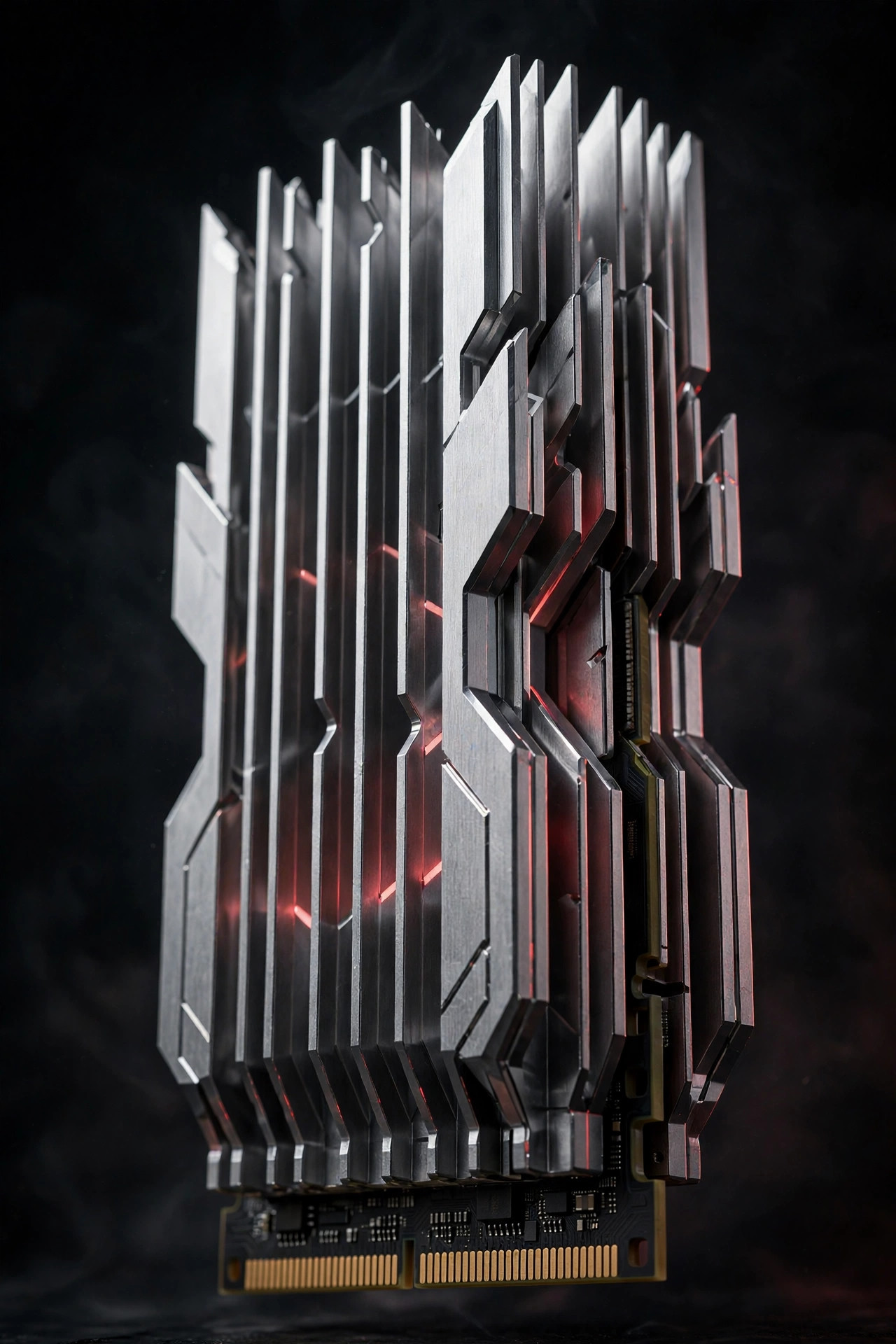
Memory vendors keep pushing the frequency envelope — DDR5-8000, 8200, even 8400MT/s kits now sit at the top of lineups like FURY Renegade. The numbers look dramatic next to the DDR5-6000 sweet spot. The real-world gains are far less dramatic. This is the DDR5-8000 vs DDR5-6000 question every builder faces at checkout: is the halo kit worth the halo price, or is it the most expensive placebo in the parts list?
DDR5-8000 vs DDR5-6000: the numbers on paper
| Kit tier | Typical timings | Bandwidth (dual-channel, approx.) | Gaming gain vs 6000 | Price premium vs 6000 |
|---|---|---|---|---|
| DDR5-6000 CL30 | 30-38-38 | ~96 GB/s | baseline | baseline |
| DDR5-6400 CL32 | 32-39-39 | ~102 GB/s | 1–2% | +10–20% |
| DDR5-7200 CL34 | 34-44-44 | ~115 GB/s | 2–4% | +30–50% |
| DDR5-8000+ CL38+ | 38-48-48+ | ~128 GB/s | 2–5% | +60–100% |
Two things jump out. First, bandwidth scales almost linearly with frequency — the synthetic benchmarks love fast kits, and memory vendors quote those numbers for a reason. Second, the gaming column barely moves while the price column doubles. That gap between theoretical bandwidth and delivered performance is the entire story. For a closer look at the sweet-spot tier just below, see our DDR5-6400 vs DDR5-6000 gaming comparison.
Where the speed goes
Memory bandwidth scales almost linearly with frequency, so synthetic benchmarks love fast kits. Games, though, are usually bottlenecked elsewhere: at 1440p and 4K with a modern GPU, the gap between DDR5-6000 and DDR5-8000 is typically 2–5% — measurable in a benchmark chart, invisible in play.
Why so little? Modern games are overwhelmingly GPU-bound at real resolutions, and CPUs hide memory latency behind enormous caches — a modern desktop chip carries tens of megabytes of L3, and the data games actually touch tends to live there. Faster DRAM only helps when the CPU is genuinely waiting on main memory, which in a gaming workload is the exception, not the rule. The situations where it shows up — CPU-bound esports titles at 1080p with a flagship GPU pushing 400+ fps — describe a tiny slice of actual play.
There is also a latency subtlety the megatransfer number hides. True latency in nanoseconds is (CAS latency ÷ frequency) × 2000. DDR5-6000 CL30 works out to 10ns; DDR5-8000 CL40 is also 10ns. The 8000 kit moves more data per second but doesn't answer any single request faster — and games, with their pointer-chasing, cache-missing access patterns, care a great deal about that first-word latency. This is why tight timings at 6000 often beat loose timings at 8000 in the real world.
The practical takeaway: for most builds, capacity moves the needle far more than clocks. Our RAM capacity guide breaks down exactly how much memory different workloads actually need in 2026.
Where it genuinely helps
Two workloads do respond: integrated graphics and APUs, where the GPU has no dedicated VRAM and lives off system memory bandwidth; and specific productivity tasks like file compression, some simulation work, and heavily memory-bound code. For a mini-PC or handheld-adjacent build, fast DDR5 is one of the cheapest GPU upgrades you can buy.
The iGPU case deserves emphasis because it is the clearest win. An integrated GPU's performance scales almost directly with memory bandwidth — going from DDR5-5600 to DDR5-7600+ can deliver double-digit frame-rate gains in the same APU, since the "VRAM" literally is the system RAM. If you're building a mini-PC, a handheld, or a laptop-adjacent desktop without a discrete GPU, prioritizing memory speed is rational in a way it never is for a discrete-GPU gaming rig.
The productivity wins are narrower but real: 7-Zip-style compression and decompression, certain fluid-dynamics and finite-element solvers, video encoding in specific configurations, and scientific code written to stream through large arrays. The common thread is sustained, sequential, bandwidth-saturating access — the access pattern where megatransfers actually translate into throughput. If your workload looks like a benchmark's memory test, buy the fast kit. Most people's doesn't.
The hidden costs
Extreme kits demand more than money. DDR5-8000+ usually needs a capable motherboard with strong memory routing, manual tuning beyond XMP/EXPO to stay stable, and extra voltage that adds heat. On Intel's LGA1851 and AMD's AM5 platforms, the memory controller itself becomes the limit — many CPUs simply will not run 8000MT/s stable regardless of the kit.
Unpack that, because each item is a real project. Motherboard routing: only boards with clean, short memory traces — typically 2-DIMM overclocking-focused boards — reliably hold 8000MT/s; a budget four-slot board may top out far lower no matter what the kit promises. Manual tuning: XMP/EXPO profiles at these speeds are starting points, not guarantees, and stabilizing them means adjusting voltages (VDD, VDDQ, memory-controller voltage), termination resistances and secondary timings by hand, then validating with hours of stress testing. And the silicon lottery is absolute: two identical CPUs can differ by 400MT/s in what their integrated memory controllers will sustain. If you are still deciding between the two memory-overclocking standards, our DDR5 EXPO vs XMP explainer breaks down what each profile actually does.
There is also a platform asymmetry worth knowing. High memory clocks have historically been friendlier on Intel's latest desktop platforms, while AMD's AM5 sweet spot sits lower — many Ryzen builders find their best real-world results at DDR5-6000 to 6400 with tight timings, in the 1:1 fabric-clock mode that keeps latency down. Pushing an AM5 chip to 8000MT/s usually means desynced fabric clocks and latency penalties that eat the bandwidth gain. Know your platform's character before paying the premium.
None of this is an argument against the best DDR5 RAM at sane speeds — DDR5-6000 CL30 from an established line is a solved problem, boots first try, and stays stable. It is an argument against assuming the megatransfer number on the box is the performance you'll get. And if you're choosing between memory generations rather than speed tiers, our DDR5 vs DDR4 guide covers the 2026 market reality.
The 2026 value equation
With DRAM prices inflated across the board, the premium for halo-frequency kits is steeper than ever — often 60–100% over a DDR5-6000 CL30 kit for single-digit gains. Unless you are benchmarking competitively or feeding an iGPU, that money buys far more happiness as extra capacity or a better SSD.
Do the opportunity-cost math concretely. The price gap between a 32GB DDR5-6000 kit and a 32GB DDR5-8000 kit in 2026 can fund a jump from 32GB to 64GB at the lower speed — and that capacity buys the absence of paging and stutter, which no frequency can replicate. Or it funds the step from a budget NVMe drive to a genuinely fast one. Both trades beat 3% more frames in a benchmark chart.
The exception that proves the rule sits at the workstation end of the market, where bandwidth per slot is the constraint rather than the luxury — registered DDR5 running at 7600MT/s with ECC intact, as in the FURY Renegade Pro RDIMM line, is a different proposition from a desktop halo kit: the buyer is paying for validated throughput on Threadripper and Xeon W platforms, not for a bigger number on the box. Context is everything.
FAQ
Is DDR5-8000 worth it for gaming?
No, for the overwhelming majority of gamers. At 1440p and 4K with a discrete GPU, expect 2–5% over DDR5-6000 — invisible in actual play. The money is better spent on capacity, a better GPU tier, or a faster SSD. The only gaming exception is integrated graphics, where faster RAM directly feeds the GPU.
Will DDR5-8000 work on my motherboard?
Maybe — and "maybe" is doing heavy lifting. You need a board with strong memory routing (usually a 2-DIMM overclocking-oriented design), a CPU whose memory controller won the silicon lottery, and willingness to tune voltages and timings manually beyond the XMP/EXPO profile. Check your board's QVL for validated 8000MT/s kits before buying.
Does faster RAM help video editing or 3D rendering?
Marginally. Most creative workloads are capacity-bound or GPU/CPU-bound, not memory-bandwidth-bound — 64GB of DDR5-6000 beats 32GB of DDR5-8000 for timeline work every time. Specific exceptions exist (some compression, encoding and simulation tasks), but they are the minority.
What about DDR5-8000 for APUs and mini-PCs?
This is the legitimate use case. Without dedicated VRAM, an integrated GPU's performance scales with system memory bandwidth, and fast DDR5 can deliver double-digit gaming gains in mini-PCs and handheld-class builds. Here, speed genuinely is one of the cheapest GPU upgrades available.
Should I buy DDR5-8000 for future-proofing?
No. Future games and applications are not projected to become dramatically more memory-bandwidth-sensitive on desktop, and the platform memory controllers themselves are the limiting factor — a kit your CPU can't run stable today won't become more stable tomorrow. Buy the capacity you'll use; skip the frequency premium.
Bottom line: DDR5-8000 is a flex, not a foundation. For 95% of builders in 2026, DDR5-6000 CL30 with tight timings beats DDR5-8000 with loose ones — and costs far less. Spend the difference on capacity or storage, and you'll feel it every day instead of only in benchmarks.