FURY Renegade Pro DDR5 RDIMM Launches With Heat Spreader for Workstations
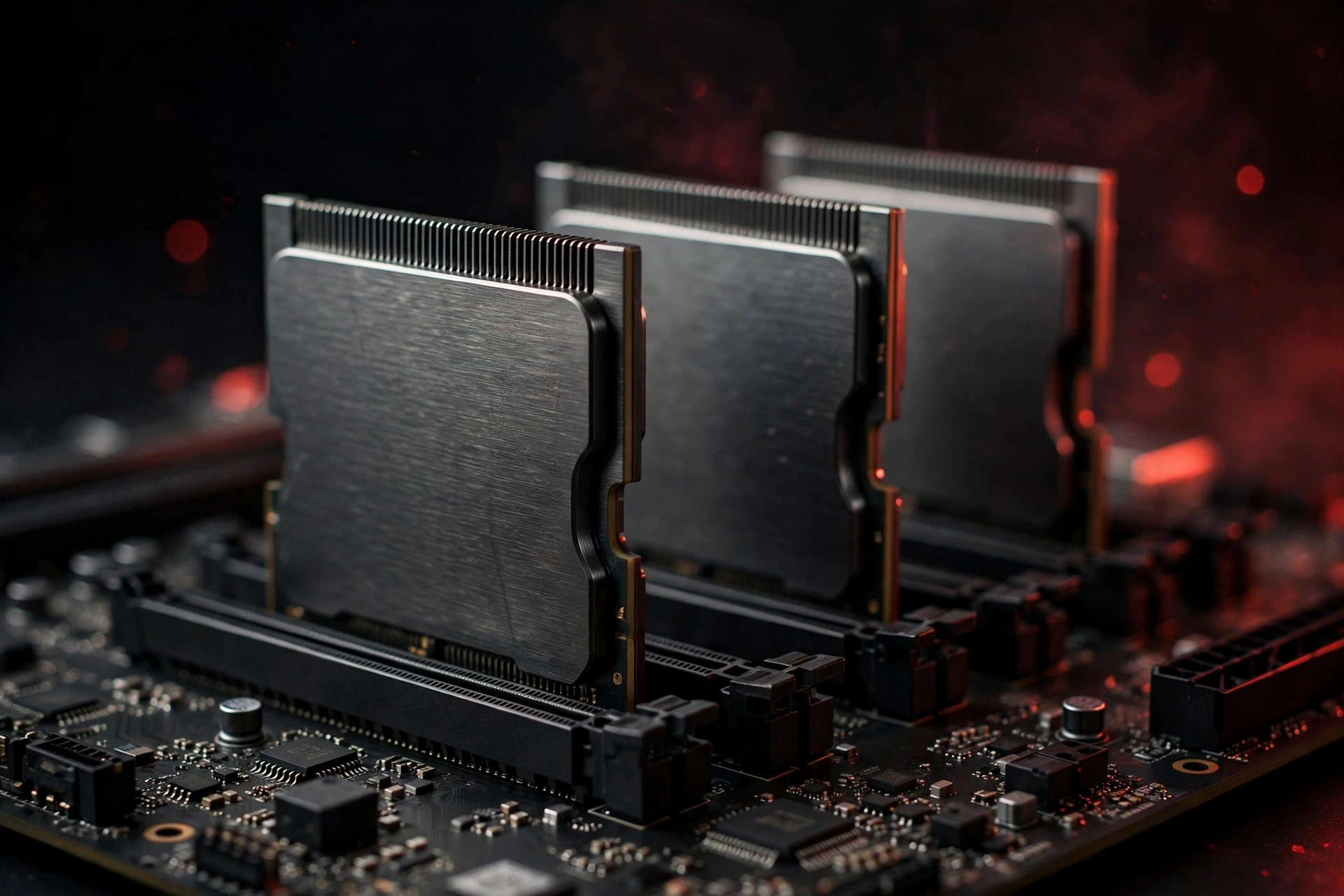
DDR5 RDIMM workstation memory has historically forced an unpleasant trade: take the reliability of registered DIMMs, or take the speed of enthusiast kits — never both. The new FURY Renegade Pro DDR5 RDIMM with Heat Spreader is built to collapse that trade, pairing enthusiast-class speeds up to 7600MT/s with the registered, ECC-backed stability that workstations, engineering simulations, data-science rigs and on-premises AI workloads demand.
The lineup scales from 5600MT/s to 7600MT/s, with capacities spanning 16GB to 256GB per module. Notably, the modules support both Intel XMP and AMD EXPO profiles — a rarity in the RDIMM world — alongside ECC-backed overclocking, so tuners can push frequencies without giving up error correction.
DDR5 RDIMM workstation memory: the spec sheet
Before going deeper, here is the lineup in one place. The headline is the range itself: JEDEC-class base speeds at the bottom for maximum compatibility, binned high-frequency SKUs at the top for bandwidth-hungry builds.
| Specification | Detail |
|---|---|
| Form factor | DDR5 RDIMM (registered, ECC) |
| Speed range | 5600MT/s – 7600MT/s |
| Capacity per module | 16GB – 256GB |
| Overclocking profiles | Intel XMP 3.0 and AMD EXPO |
| Error correction | ECC, maintained even when overclocked |
| Cooling | Aluminum heat spreader on 7200MT/s and 7600MT/s SKUs |
| Target platforms | Intel Xeon W / AMD Threadripper-class workstations |
At 256GB per module, a four-DIMM workstation lands at 1TB of registered memory; an eight-slot board doubles that. That per-slot density is the quiet story of this launch: bandwidth per DIMM slot is the scarce resource when motherboard makers give you a fixed number of slots and DRAM prices punish every extra module you buy.
Registered vs unbuffered: why the distinction matters
A registered DIMM places a register (the RCD, or registering clock driver) between the memory controller and the DRAM chips. It buffers the command and address signals, which reduces the electrical load the controller sees and keeps signal integrity clean when a channel is loaded with multiple DIMMs or very high-capacity modules. That is why servers and workstations use RDIMMs: they scale to higher capacities and stay stable where unbuffered DIMMs (UDIMMs) would start dropping signals.
The cost of that buffer has always been speed and latency. RDIMM product lines traditionally track JEDEC specifications — 4800MT/s, 5600MT/s, 6400MT/s — while the enthusiast UDIMM world sprints ahead with XMP and EXPO kits at 7000MT/s and beyond. Workstation owners who wanted more bandwidth had exactly two options: buy more DIMMs (expensive, and limited by slot count), or accept lower clocks. There was no sanctioned way to overclock registered memory.
That is the gap the Renegade Pro line is aimed at. Running 7600MT/s through a registering clock driver, with the signal integrity budget to stay stable, is a genuine engineering exercise — not a rebadged server DIMM. It also explains why the line sits apart from the desktop FURY Renegade UDIMMs: different electrical design, different validation, different buyer. Desktop builders face a different set of trade-offs entirely — our DDR5 vs DDR4 buying guide covers which generation makes sense on the mainstream side in 2026.
One more distinction worth making: all DDR5, including desktop UDIMMs, carries on-die ECC, which corrects errors inside each chip. Registered ECC DIMMs add full side-band ECC across the bus, which catches errors in transit between the chips and the controller. For a gaming PC the difference is academic; for a workstation running a 48-hour simulation or fine-tuning a model, it is the difference between a trustworthy result and a silent corruption you discover after the run.
Cooling where it counts
Select 7200MT/s and 7600MT/s SKUs ship with a refined aluminum heat spreader designed to keep thermals in check under sustained, all-core loads — the kind of thermal profile you see in long model-training runs or fluid-dynamics simulations rather than short gaming bursts.
This matters more than the marketing suggests. DDR5 moved power management onto the DIMM itself (the PMIC), and the registering clock driver on an RDIMM is itself a meaningful heat source. Push 7600MT/s through that stack for hours, and the memory subsystem gets hot in a way that bursty desktop workloads never reveal. Hot DRAM is not just a comfort issue: retention times degrade with temperature, and error rates climb. A heat spreader on a registered DIMM is not decoration — it is part of the stability budget at these frequencies.
Workstation chassis design complicates the picture further. Tower workstations often cool memory with indirect airflow rather than the direct DIMM fans of 2U servers, so a DIMM that can shed its own heat is easier to deploy across more systems. The stated design brief was to combine the performance headroom associated with enthusiast platforms with the stability standards expected of registered memory in professional environments — and thermal headroom is where those two goals most directly collide.
ECC-backed overclocking, with XMP and EXPO on board
Workstation memory is normally a JEDEC-only world: you get the rated speed, you run the rated speed, and any deviation is your own unsupported experiment. The Renegade Pro line breaks that convention in two ways. First, the modules ship with both Intel XMP 3.0 and AMD EXPO profiles — essentially unheard of on registered DIMMs, and convenient in a market where Threadripper and Xeon W both have serious workstation share. Second, the overclocking is ECC-backed: error correction stays active while you push frequencies, instead of being the first thing sacrificed. On mainstream desktop boards the profile story is simpler — our EXPO vs XMP explainer covers which standard your platform uses and what the profiles actually change.
Why does that matter? Overclocked memory fails in two ways: loudly, with crashes and failed boots, and quietly, with single-bit flips that corrupt data without tripping anything. The quiet failures are the dangerous ones for professional work. A flipped bit in a training checkpoint, a simulation mesh, or a render frame does not blue-screen — it just makes the result wrong. Keeping ECC active at overclocked speeds converts those silent corruptions into corrected events, which is exactly the trade a workstation buyer should want.
Error correction is the first line of defense for valuable data, but it is not the whole story. ECC handles errors in flight; it does nothing for a failed drive or a deleted project. Professionals running this class of hardware should still keep a cloud backup of irreplaceable work and know their options for data recovery before they need them — because the dataset that took three weeks to generate is worth more than the machine that generated it.
That binning story is part of what separates this line from generic RDIMMs — and part of what earns it a place among the best DDR5 RAM options for the workstation segment rather than the desktop one.
Why it matters in 2026
The launch lands as AI-adjacent workstation demand keeps climbing. With DRAM allocation tight across the industry and HBM soaking up fab capacity for data-center accelerators, purpose-built workstation memory that squeezes more throughput per DIMM slot is arriving at exactly the right moment. When every gigabyte costs more than it did a year ago, getting more work per slot is not a luxury — it is cost control.
High-bandwidth memory for AI accelerators now commands the industry's fab capacity — the full story is in our look at how HBM4 and AI demand are reshaping the DRAM market. Consumer and workstation DRAM sits downstream of those allocation decisions: less capacity, higher contract prices, longer lead times. In that environment, a registered DIMM that delivers 7600MT/s instead of 5600MT/s is effectively a 35% bandwidth upgrade without buying more slots, more boards, or more machines.
For system integrators and professionals building Threadripper / Xeon W-class workstations this year, the Renegade Pro RDIMM gives a credible path to high memory bandwidth without stepping up to a full server platform. On-prem AI teams get particular value: local fine-tuning and inference rigs are bandwidth-sensitive, and the alternative — more servers — means more power, more cooling, and more rack space for the same effective throughput.
Who should buy it — and who should skip it
Buy it if: you run a registered-memory workstation (Threadripper Pro, Xeon W) and your workload is bandwidth-bound — CFD, FEA, large-scale data prep, on-prem model training or inference, heavy virtualization. Also if you are a system integrator who wants one validated, warrantied path to fast ECC memory instead of hand-tuning generic RDIMMs.
Skip it if: you are on a desktop platform. RDIMMs physically and electrically do not work in standard AM5/LGA1700/LGA1851 desktop boards — you need a workstation board with a registered-memory-capable memory controller. Gamers and mainstream creators should be looking at desktop DDR5 instead; our guide to how much RAM you actually need in 2026 covers capacity planning for those builds, and our picks for the best RAM for Ryzen 9000 and Intel Arrow Lake systems cover speed and kit selection for current platforms.
Consider the middle SKUs if: budget is a factor but you still want the platform. The 5600–6400MT/s modules deliver the registered-ECC foundation at lower cost; the premium for 7200/7600 buys bandwidth only the most memory-bound workloads will notice.
FAQ
Can I use these RDIMMs in a regular desktop motherboard?
No. Registered DIMMs require a memory controller and board designed for them — workstation and server platforms such as Threadripper Pro and Xeon W. They will not boot in standard desktop boards, regardless of the DDR5 slot looking physically similar.
Does it work with both Intel and AMD workstations?
The modules carry both Intel XMP 3.0 and AMD EXPO profiles, so the one-click overclocking story covers both camps. Base JEDEC speeds will work on any compatible registered-memory platform; as always, check your motherboard's QVL memory list before ordering, especially at the 7200/7600MT/s tier.
Is 7600MT/s actually stable enough for professional work?
That is what the ECC-backed design is for: the top SKUs are binned, cooled, and keep error correction active while overclocked, so marginal bits get corrected rather than corrupting your output. For mission-critical runs, the conservative play remains the lower-speed SKUs at JEDEC timings.
How much capacity should a workstation have in 2026?
It depends on the workload, but the per-module range of 16GB to 256GB covers everything from a 64GB entry workstation to multi-terabyte configurations. With DRAM prices elevated, buy for the datasets you actually load — memory you never touch is the most expensive kind. The per-slot bandwidth argument for the faster SKUs is strongest when your slot count is fixed and your datasets keep growing.
Will the heat spreader fit my workstation case?
The spreader adds height over a bare RDIMM, so verify clearance against CPU coolers, air shrouds and DIMM-adjacent ducting — workstation towers with directed airflow paths are the usual trouble spot. If clearance is tight, the lower-speed SKUs without the tall spreader are the safe choice.
Bottom line: If your workload is memory-bandwidth hungry but lives on a workstation rather than in a rack, 7600MT/s ECC-capable DDR5 with real cooling is a meaningful upgrade over generic RDIMMs — and one of the strongest workstation entries among the best DDR5 RAM options of 2026.