IronKey Locker+ 50 G2 Brings Hardware Encryption Up a Gear
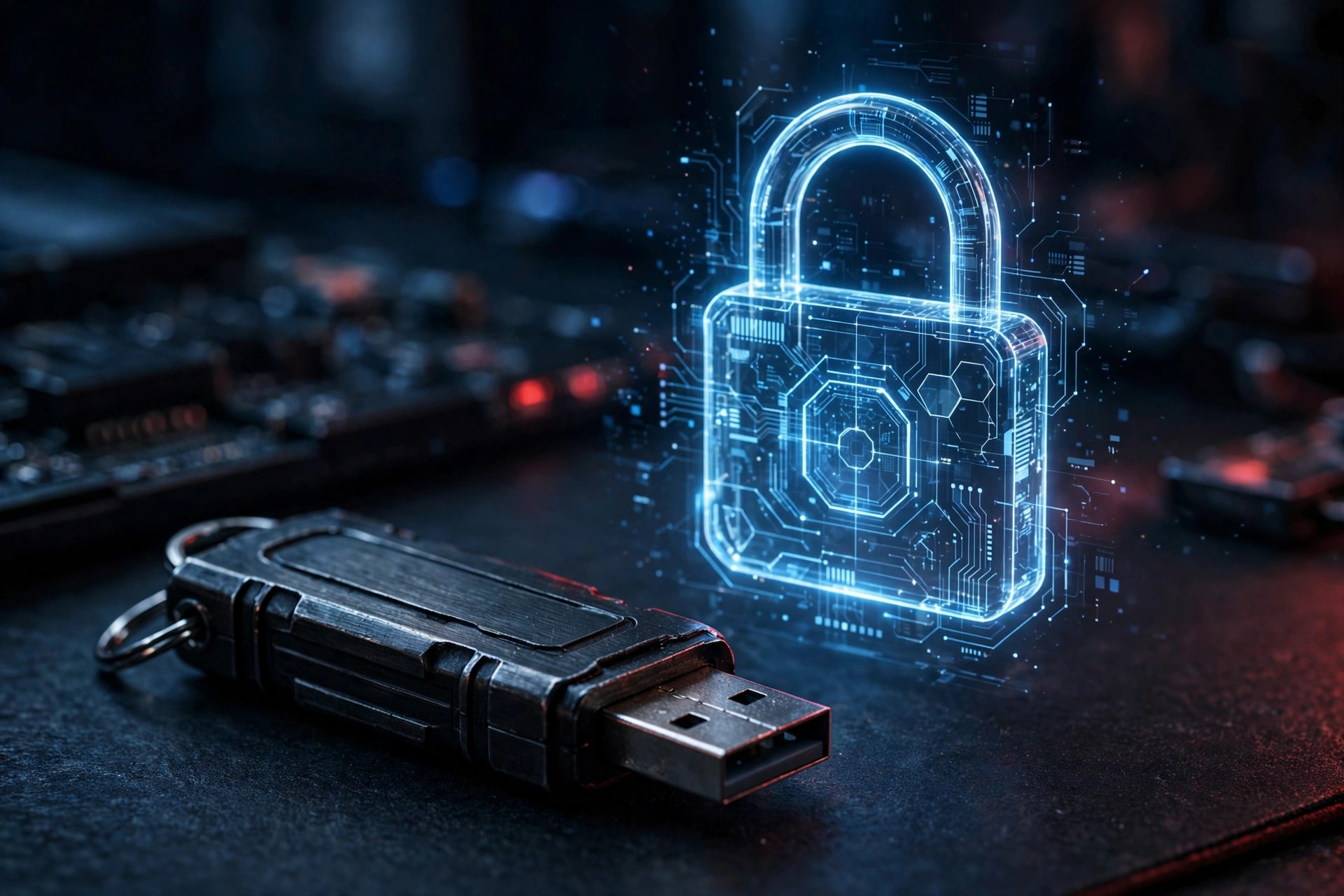
The hardware-encrypted USB lineup has been refreshed with the IronKey Locker+ 50 G2, announced as part of the company's May 2026 portfolio expansion. The drive targets professionals carrying sensitive data — legal, healthcare, finance and government users among them. If you are shopping for the best encrypted USB drive in 2026, this is the new reference point: hardware encryption done properly, without the enterprise IT overhead that used to come with it.
What the best encrypted USB drive in 2026 has to get right
Software encryption is free — BitLocker ships with Windows, FileVault with macOS, VeraCrypt with everything. So a hardware-encrypted drive has to justify its price by solving problems software cannot. The three it must answer: can the encryption be bypassed by attacking the host OS, what happens when someone guesses the password a thousand times, and can the drive's own firmware be turned against you? The Locker+ 50 G2 is built around affirmative answers to all three, which is exactly what separates a serious secure drive from a regular flash drive with a password prompt slapped on top. For the full reasoning on why the hardware approach exists at all, see our hardware-encrypted USB drive guide — and for a head-to-head of the two approaches, our hardware-encrypted USB vs BitLocker and VeraCrypt comparison.
Security, layered
The headline spec is FIPS 197-certified AES 256-bit encryption in XTS mode, implemented in hardware rather than software. XTS is the mode designed specifically for storage encryption — it protects against pattern analysis across disk sectors in a way simpler modes do not — and the FIPS 197 certification is a formal validation that the AES implementation is correct, the checkbox that compliance departments and government buyers require. Organizations navigating those requirements should read our guide to FIPS-validated USB drives for business compliance. Because the encryption engine lives in the drive controller, there is no software to disable, no driver to exploit, and no way to access the plaintext by booting a different OS.
Around that core, the drive layers several defenses:
- BadUSB protection via digitally signed firmware, guarding against the class of attacks where a drive's controller is reprogrammed to impersonate a keyboard or network adapter. Because the firmware signature is verified, a tampered drive simply will not run malicious code — a property that is fundamentally about hardware and firmware, and one software encryption cannot replicate.
- Brute-force protection with escalating defenses, up to crypto-erase after repeated failed password attempts. Crypto-erase destroys the encryption key itself, rendering the data permanently unrecoverable — not deleted, but mathematically gone. This is the correct response to a stolen drive: the attacker gets a blank piece of plastic.
- Admin and User roles, so IT departments can provision drives with enforced policies — password complexity, attempt limits, authorized machines — while end users get a simpler experience. One drive, two audiences, no conflict.
- Auto-lock on removal, so a drive yanked from a machine in a hurry does not sit there decrypted, plus an on-screen virtual keyboard to mitigate keyloggers on untrusted machines and a password-visibility toggle for the times you are typing in private and want to check for typos.
Usability: security without the IT overhead
Despite the security stack, the Locker+ 50 G2 needs no software installation and works across Windows and macOS — an important detail for consultants and field teams who plug into machines they don't administer. Historically, hardware-encrypted drives meant management consoles, license servers and helpdesk tickets; this generation is designed to work like a normal flash drive that happens to demand a password, which is why it fits freelancers and small firms, not just enterprises with dedicated security teams.
The drive is positioned as a no-compromise option: speed matters, but for this product line, consistency and long-term data protection are the actual selling points. USB 3.x-class throughput keeps large encrypted file sets moving without the wait that used to make people disable encryption "just this once" — and that moment of convenience is exactly how breaches happen.
Encrypted flash drive vs. encrypted portable SSD
One fair question: if you need capacity and speed as well as security, should you look at a portable SSD instead? Drives like the XS2000 offer up to 2,000MB/s and terabytes of space in a pocketable form factor — our XS2000 vs XS1000 comparison breaks down which one fits which workflow. The honest answer is that they solve different problems. A portable SSD is a working drive: fast, spacious, meant for active projects. The Locker+ 50 G2 is a vault: smaller, slower, and built so that losing it is an inconvenience rather than an incident. Many professionals carry both — the SSD for the project files, the IronKey for the contracts, credentials and client data. If your threat model includes device seizure or targeted theft, the crypto-erase guarantee is worth more than any amount of extra gigabytes.
Who should buy it — and who should skip it
Buy it if: you carry regulated or client-confidential data (legal, healthcare, finance, government); you plug into machines you do not control, where the virtual keyboard earns its keep; you are a journalist or activist for whom device seizure is a realistic risk; or you administer an IT fleet and want Admin/User roles with enforced policies.
Skip it if: you only need to keep family photos away from prying eyes — software encryption is free and sufficient; you need terabytes of fast working storage rather than a secure vault; or your organization already mandates a centrally managed endpoint encryption solution that covers removable media.
One caution that applies to every encrypted drive, hardware or software: encryption is not backup. Crypto-erase is a feature until you forget the password — then it is data loss, and no data recovery software on earth can reverse it, because there is nothing left to recover. Pair any secure drive with a proper cloud backup of the same files. The drive protects confidentiality; the backup protects availability. You need both.
FAQ
Is the IronKey Locker+ 50 G2 really the best encrypted USB drive of 2026?
For the mainstream professional market — legal, healthcare, finance, consulting — it is the strongest all-rounder: FIPS-validated AES-256-XTS, BadUSB protection, brute-force crypto-erase, and no software to install. Higher-assurance, centrally managed IronKey models exist for government and defense buyers with stricter requirements, at higher prices and with management overhead to match.
What happens if I forget the password?
After the configured number of failed attempts, the drive crypto-erases: the encryption key is destroyed and the data becomes permanently unrecoverable. There is no backdoor, no master password, and no data recovery service that can help — this is by design. Keep a backup of anything irreplaceable.
Does it work on machines where I can't install software?
Yes. The Locker+ 50 G2 requires no installation and works across Windows and macOS, presenting its unlock interface directly. That is precisely the scenario it is built for: consultants, auditors and field teams plugging into client or shared machines.
Is it fast enough for large files?
It delivers USB 3.x-class speeds — ample for documents, archives and encrypted file sets. It is not a substitute for a high-speed portable SSD if you are moving hundreds of gigabytes daily; for that workload, pair it with a fast external drive and keep only the sensitive material on the IronKey. If raw external speed is the priority, our look at USB4 portable SSDs in 2026 covers the fastest options.
How is this different from BitLocker on a regular flash drive?
BitLocker encrypts in software, managed by the OS — which means it inherits the OS's attack surface, and its brute-force protections are far weaker by default. The Locker+ 50 G2 encrypts in the controller hardware, enforces its own attempt limits with crypto-erase, and verifies its firmware signature against BadUSB-style tampering. Software encryption is good; hardware encryption answers threats software cannot see.
Bottom line: For anyone still moving sensitive files on unencrypted flash drives in 2026, the Locker+ 50 G2 is the pragmatic upgrade — hardware encryption without the IT overhead. Just remember the iron rule of encrypted storage: back up what you cannot afford to crypto-erase.