USB4 Portable SSDs in 2026: 40Gbps Speed at a Premium
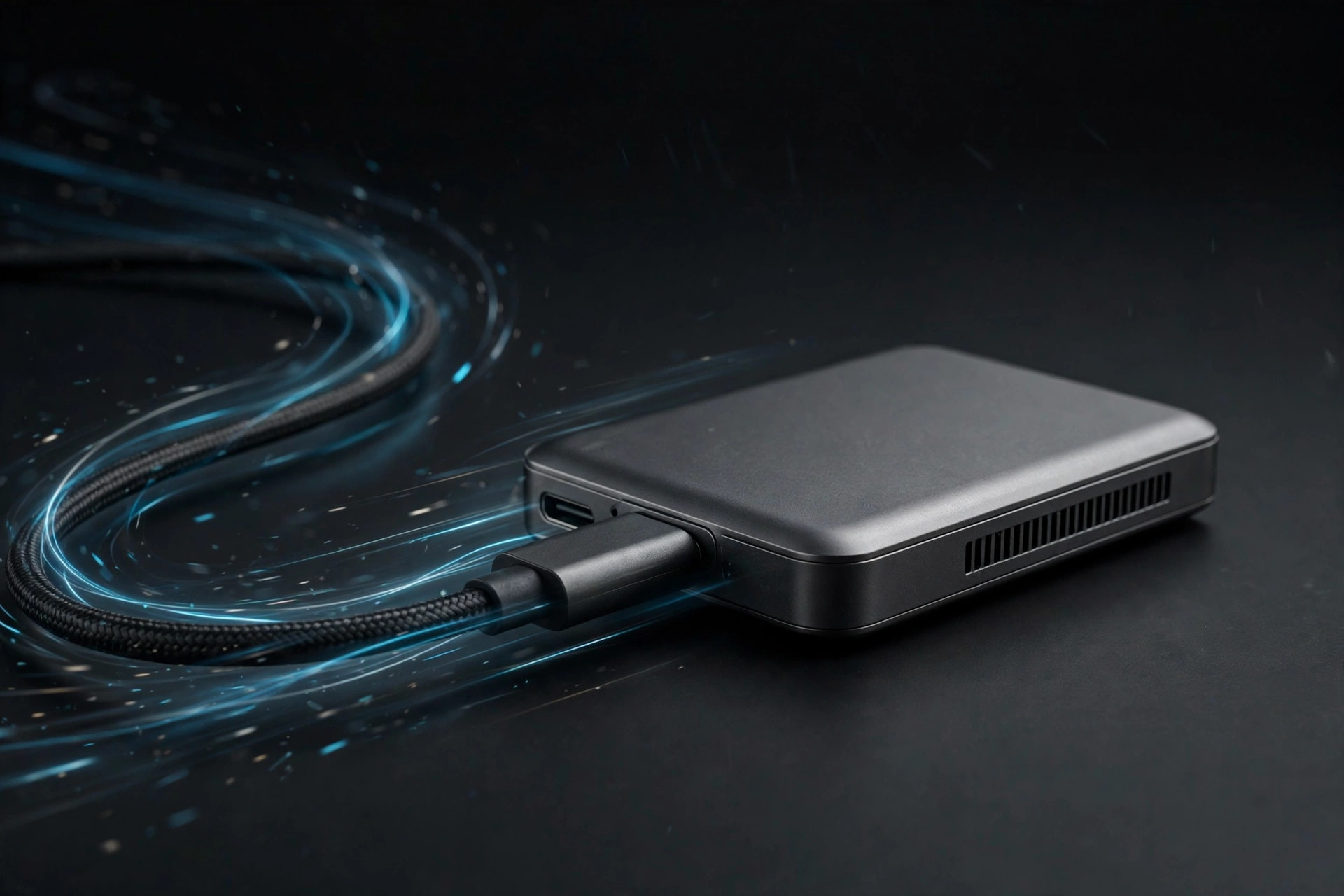
USB4 portable SSDs advertising 3,000–3,800MB/s are the new halo product in external storage — and on paper, a USB4 portable SSD looks like the biggest leap external drives have taken in years. Triple the speed of the best 20Gbps drives, a connector you already own, and enclosures small enough to disappear into a jacket pocket. The speeds are real — under the right conditions. The conditions are doing a lot of work in that sentence.
So the honest question for 2026 is not whether USB4 portable drives are fast. It is whether they are worth their considerable premium for your ports, your workloads, and your budget — or whether the smart money still sits one tier down.
What a USB4 portable SSD actually delivers
USB4's 40Gbps ceiling translates to roughly 3,000–3,800MB/s real-world with a good enclosure and a fast NVMe SSD inside. That is triple the best USB 3.2 Gen 2x2 drives and genuinely transformative for 8K video offloads and huge dataset transfers. A 500GB camera dump that takes eight minutes at 1,000MB/s finishes in under three at USB4 speeds — the kind of difference that changes how a shoot day is scheduled.
Under the hood, these drives pair a PCIe Gen4 NVMe SSD with a USB4 bridge chip (the ASMedia ASM2464PD is the common one in 2026 enclosures). The bridge is the unsung hero: earlier USB-to-NVMe bridges topped out around 1,000MB/s regardless of the SSD inside, which is why last generation's "fast" portables all plateaued at the same number. USB4 bridges finally let the internal SSD stretch its legs.
Two caveats ride along with the headline number. First, quoted speeds are almost always sequential reads and writes — big, contiguous files. Small-file and random performance, the stuff that determines how snappy a drive feels as a working volume, improves far less dramatically. Second, most drives quote a peak measured in the first seconds of a transfer, before heat and cache exhaustion enter the picture. Sustained performance is a separate question, and we will get to it.
USB4, Thunderbolt, and USB 3.2: a quick map
Part of the confusion is the alphabet soup. USB4 is built on the Thunderbolt 3 protocol foundation, which is why USB4 and Thunderbolt 3/4 ports are largely interoperable for storage. Here is how the tiers stack up in practice:
| Interface | Signaling rate | Typical portable SSD speeds | Notes |
|---|---|---|---|
| USB4 / Thunderbolt 4 | 40Gbps | 3,000–3,800 MB/s | Needs a true USB4/TB3/TB4 port and a 40Gbps-rated cable |
| USB 3.2 Gen 2x2 | 20Gbps | 1,800–2,000 MB/s | Poor port support on laptops; mostly a desktop-rear-panel standard |
| USB 3.2 Gen 2 | 10Gbps | 950–1,050 MB/s | The most common USB-C port in the wild |
| USB 3.2 Gen 1 | 5Gbps | 450–550 MB/s | Older ports; fine for documents and light backup |
The important row is the third one. A USB4 drive plugged into a 10Gbps port does not run at "USB4, but slower" — it negotiates down to USB 10Gbps and behaves exactly like a 1,000MB/s drive. The premium you paid for the USB4 bridge buys you nothing until you plug into a faster port.
The port problem
Here is the catch: you need a true USB4 or Thunderbolt 3/4 port to get those speeds. Plug into a 10Gbps USB-C port — still the most common kind — and the drive falls back to ~1,000MB/s, no better than a drive costing half as much. Many desktop rear panels and budget laptops lack USB4 entirely.
Checking is worth five minutes before you buy. On a Mac, Apple Silicon machines from the M1 onward generally carry Thunderbolt/USB4 on their USB-C ports; on Windows, look for the USB4 or Thunderbolt logo next to the port, or check Device Manager / System Information for a USB4 host router entry. Marketing names lie — "USB-C 3.2" on a spec sheet is a 10Gbps port wearing a modern connector. If your fastest port is that 10Gbps USB-C, a USB4 drive performs identically to a mainstream 20Gbps-class drive like the XS2000 while costing substantially more, so buy the cheaper drive and put the savings toward capacity.
Cables matter too. The short cable in the box is rated for 40Gbps, but grab a random longer USB-C cable from a drawer and you may silently drop to 10Gbps or even USB 2.0 speeds. For USB4, use the supplied cable or a certified 40Gbps cable — cable quality is part of the performance chain, not an accessory detail.
Heat and throttling: the sustained-performance question
Pushing 3,000MB/s through a pocket-sized enclosure generates serious heat. Early USB4 portables throttle under sustained writes unless they have substantial metal bodies — the good ones feel like heatsinks because they are. Fanless sustained performance remains the category's weak point.
The physics are straightforward. A Gen4 NVMe controller plus NAND running flat-out can dissipate 6–8W in a volume the size of a matchbox. With nowhere for that heat to go, the controller protects itself by throttling — often dropping from 3,500MB/s to 1,200–1,500MB/s after a few minutes of continuous writing. Two design choices separate the good drives from the disappointing ones: a thick aluminum unibody that acts as a heatsink, with thermal pads coupling the SSD to the case, and generous SLC cache tuning so the cache does not exhaust mid-transfer.
What this means in practice: USB4 drives are brilliant for burst workloads — offloading cards, copying project folders, ingesting footage. They are less impressive as always-on working drives under continuous write load, such as recording 8K directly to the SSD for hours. If your workflow is the latter, look specifically for reviews with 15-minute sustained-write tests, not just CrystalDiskMark screenshots.
Don't forget encryption, durability, and backup
Speed is only half the story for a drive that lives in a backpack. Portable SSDs get dropped, rained on, and left in taxis — and a lost drive carrying client footage is a data-breach incident, not just an inconvenience. If your drive carries anything sensitive, hardware encryption matters more than an extra 500MB/s: encrypted models like the IronKey Locker+ 50 series trade peak throughput for XTS-AES 256-bit encryption and brute-force protection, which is the right trade for legal, medical, or unreleased creative work.
And no portable drive — USB4 or otherwise — is an archive. Flash fails, enclosures die, and when a portable SSD fails outright, professional data recovery is expensive and far from guaranteed; consumer data recovery software can sometimes salvage a corrupted filesystem, but it cannot resurrect dead NAND. Follow the 3-2-1 rule: the USB4 SSD is your fast working copy, with a second local copy and a cloud backup behind it. The speed that makes these drives great for offloads also makes them great for pushing large backups — use it.
Who should buy a USB4 portable SSD in 2026 — and who should skip
Buy one if: you are a video professional, DIT, or photographer with a USB4/Thunderbolt-equipped machine who offloads camera media daily — the time savings are real and billable. Our portable SSD guide for creators breaks down capacity and workflow choices in more detail. Also worth it if you regularly move datasets in the hundreds of gigabytes between fast machines, or if you are buying a drive to keep for five years and your next computer will certainly have USB4.
Skip it if: your ports top out at 10Gbps — check first, as above. Skip it if the drive is mostly a backup target rather than a working volume; backup speed past 1,000MB/s is invisible in practice. And skip it on a tight budget: prices are inflated by the ongoing NAND crunch, and a 2,000MB/s USB 3.2 Gen 2x2 drive covers nearly every other workflow for far less. For most buyers, the best portable SSD 2026 pick remains a fast 10–20Gbps drive with more capacity for the money.
There is a third path worth mentioning for the technically inclined: buy a bare drive from a best NVMe SSD 2026 roundup and a quality USB4 enclosure separately. You get to choose the exact SSD, thermals are often better in larger enclosures, and upgrading the internal drive later is trivial. The trade-off is no single warranty and a bulkier package than the sleek integrated drives.
FAQ
Will a USB4 portable SSD work with my Thunderbolt 3 or 4 port?
Yes. Thunderbolt 3 and 4 ports natively carry the USB4 protocol, so a USB4 storage device runs at full speed on them. The reverse is also generally true: Thunderbolt-certified storage works on USB4 ports, though some Thunderbolt accessories expect Intel's certification handshake — for plain SSD enclosures this is rarely an issue.
What happens if I plug it into an older 10Gbps USB-C port?
It works fine, at ~1,000MB/s. USB is backward compatible all the way down, so the drive is usable on any USB-C port — you simply do not get the speed you paid for. This is the single most common buyer's remorse in the category.
Do I need a special cable?
Yes — use the cable supplied with the drive or a certified 40Gbps USB-C cable. Many "charging" USB-C cables only wire USB 2.0 data pins and will strangle a USB4 drive to 480Mbps. If your 3,500MB/s drive benchmarks at suspiciously round low numbers, the cable is the first suspect.
Can I use a USB4 SSD with a phone or tablet?
Yes, on devices with USB-C it mounts as external storage and runs at whatever speed the device's port supports — typically 10Gbps on recent iPads and flagship phones. It is a handy way to expand a tablet for video editing, though phones will not touch USB4's ceiling.
Is USB4 worth it over Thunderbolt 4 for storage?
For storage specifically, they are effectively the same 40Gbps pipe. Thunderbolt 4 certification guarantees minimum capabilities (like dual 4K display support) that matter for docks, not for SSDs. Buy on price, thermals, and warranty rather than the logo.
Bottom line: USB4 portable SSDs are the future, but in 2026 they remain a specialist tool. Check your ports first — if they are not USB4 or Thunderbolt, buy the cheaper drive and spend the difference on capacity or a proper backup. If your ports are ready and you move big files daily, the time savings are genuine and the premium finally has a point.