2026 Back-to-School Storage Picks for Students
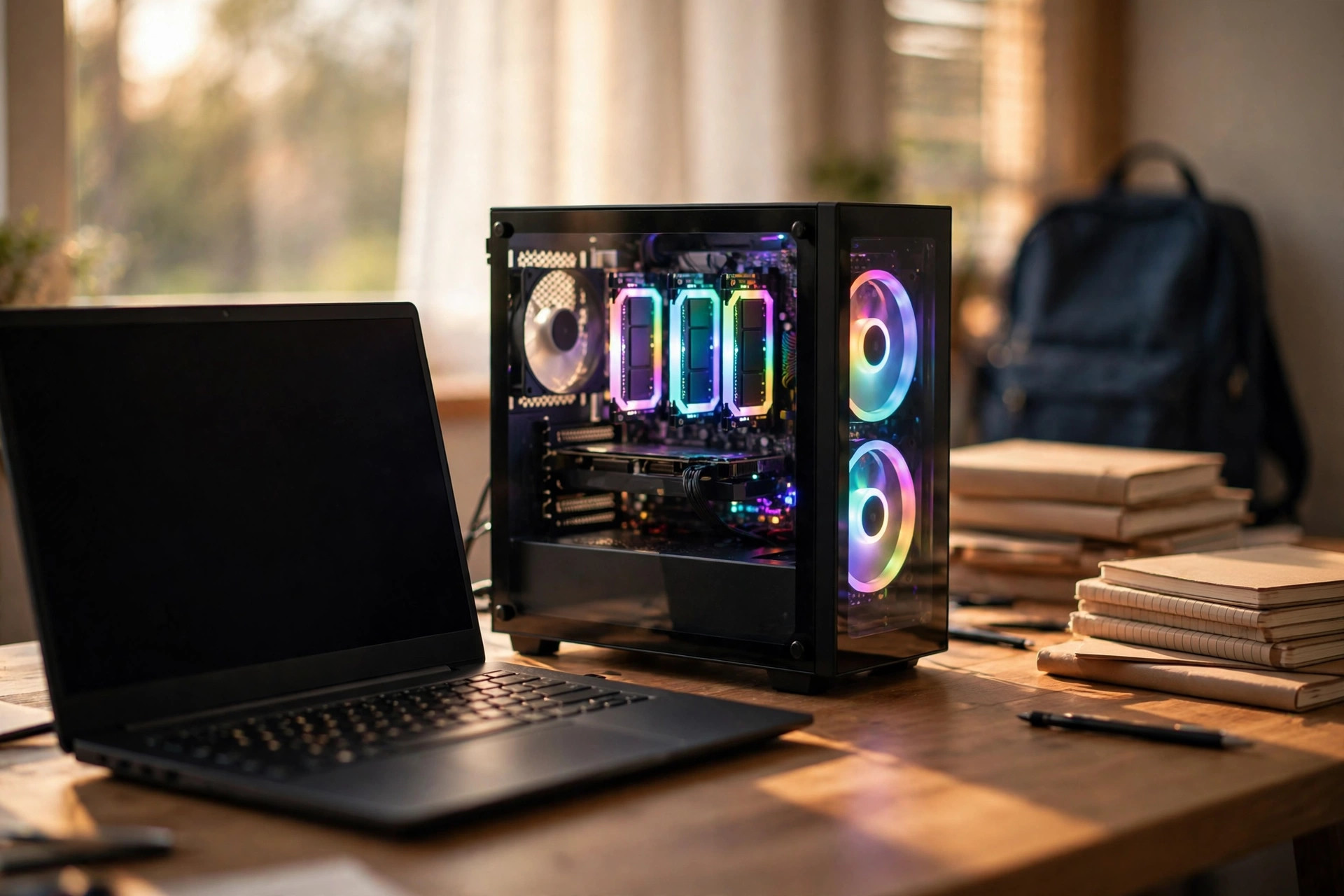
Ahead of the academic season, a set of storage and memory upgrades aimed at students takes the spotlight — a pragmatic lineup that spans pocket change to performance flagship, and our shortlist for the best SSD for students 2026. Picking the right drive is not about buying the fastest drive on the shelf; it is about matching the upgrade to the machine you have, the work you do, and the budget you actually control.
Best SSD for students 2026: the picks at a glance
FURY Beast DDR5 RGB leads the memory options: DDR5 with on-die ECC, dual subchannels and integrated power management, plus customizable RGB for students whose PC doubles as a gaming rig. It's the sensible middle ground between bargain-basement RAM and the workstation-class FURY Renegade Pro line.
FURY Renegade G5 PCIe 5.0 NVMe SSD is the halo product — up to 14,800 MB/s reads, capacities to 8TB. Overkill for essays, but genuinely useful for film students, engineering majors running simulations, and anyone editing video between lectures.
DataTraveler USB drives cover the everyday: the rotating-cap design protects the connector in a backpack, and capacities are generous enough to carry a semester's work. For group projects and lab computers you don't trust, a cheap, capacious flash drive still beats cloud uploads on university Wi-Fi.
| Pick | Best for | Budget tier |
|---|---|---|
| DataTraveler USB drive | Everyday carry, lab PCs, group projects | $ |
| FURY Beast DDR5 RGB | Gaming desktops, multitasking upgrades | $$ |
| Midrange PCIe 4.0 NVMe (1–2TB) | Laptop revival, general use | $$ |
| FURY Renegade G5 PCIe 5.0 NVMe | Film, engineering, video editing | $$$ |
The memory side: do students need a RAM upgrade?
Start with what you have. For most coursework — documents, spreadsheets, video calls, a browser full of research tabs — 16GB of RAM remains plenty, and adding more is the upgrade students overbuy most often. If your machine already has 16GB, money spent on a RAM bump is usually money wasted.
The exceptions are real but specific: computer-science students running virtual machines and containers, architecture and engineering students with CAD and simulation tools, and anyone editing video. For those builds, 32GB of DDR5 is the sensible target — and if you are buying, a kit from an established line like FURY Beast is among the best DDR5 RAM choices for a student gaming desktop, with on-die ECC, dual 32-bit subchannels per module and the PMIC-based power management that defines the DDR5 generation.
One caution before you buy: many thin-and-light laptops ship with soldered memory that cannot be upgraded at all. Check your model's service manual first. Our laptop RAM upgrade guide walks through SODIMM vs soldered memory and how to check what your machine actually supports. If the RAM is fixed, your upgrade budget belongs entirely to storage — which brings us to the main event. Our deeper guide on how much RAM you really need in 2026 breaks down the 16GB vs 32GB vs 64GB decision workload by workload.
NVMe storage: where the speed actually matters
A slow drive is the single most noticeable bottleneck on a student machine. Swapping a wheezing SATA SSD — or worse, a spinning hard drive — for a modern NVMe drive changes everything: boot times, app launches, project loads, and the general feeling that the machine is fighting you. For most students, a midrange 1TB or 2TB PCIe 4.0 NVMe is the value king and a legitimate contender for best NVMe SSD 2026 on a student budget: roughly 7,000 MB/s reads, low power draw for laptops, and prices that don't require a part-time job.
The FURY Renegade G5 sits at the opposite end: PCIe 5.0, up to 14,800 MB/s sequential reads, capacities to 8TB. That is not a drive for essays — but for a film student scrubbing 4K timelines, an engineering major running fluid simulations, or a data-science student chewing through large local datasets, sustained throughput at that level genuinely shortens the workday. Just note the practical costs of PCIe 5.0: higher power draw, more heat (check that your laptop or motherboard can actually cool it), and a price premium that only makes sense if your workload can saturate it.
A word on compatibility: PCIe 5.0 drives work fine in PCIe 4.0 slots — they just run at Gen4 speeds. So the halo drive is not a waste in an older machine, but you are paying for speed you cannot use until your next upgrade. And if your major involves moving big files between machines rather than internal speed, keep reading — the portable options may matter more.
Portable storage: USB drives vs pocket SSDs
Student life is mobile: lecture halls, labs, libraries, group project sessions on someone else's machine. Two categories cover it. The humble USB flash drive — DataTraveler-style, with a rotating cap that survives a backpack — remains unbeatable for the price per gigabyte at everyday capacities. Handing a lab partner a drive beats wrestling with university Wi-Fi uploads, and for computers you don't fully trust, a disposable-capacity drive you can wipe afterward is just good hygiene. If you want faster transfers from a keychain drive, our USB4 vs USB 3.2 flash drive comparison covers what the newer standards actually deliver.
Step up when files get big. A pocketable portable SSD (the XS2000 class of drives) moves gigabytes in seconds rather than minutes — the difference between carrying a semester of documents and carrying a semester of 4K footage. If you are shopping the category, our portable SSD guide for creators covers what actually matters: sustained write speeds (not just burst), ruggedness ratings, and hardware encryption for the drive that will inevitably be left in a lecture hall.
Rule of thumb: USB flash for documents and quick transfers, portable SSD for video projects, photo libraries and full-system backups. Many students end up with both — a small flash drive on the keychain, a larger SSD in the bag.
Buying advice for students in 2026
One honest note: memory prices are brutal this year. If your laptop or desktop already runs fine, adding storage is usually the smarter upgrade — a 1TB NVMe SSD transforms an old machine more than a RAM bump you may not need. Check what you have first: 16GB of RAM remains plenty for most coursework.
The 2026 market adds a wrinkle: DRAM-driven price inflation has pushed DDR5 kits well above historical norms, while NAND flash (the stuff SSDs are made of) has been comparatively calmer. That skews the value math even further toward storage. A DDR5 upgrade that cost a pizza night in 2024 can cost a textbook now — and textbooks are the thing you're supposed to be buying.
If you're deciding between DDR5 and stretching an older DDR4 machine, our DDR5 vs DDR4 guide for 2026 lays out when each makes sense — spoiler: don't buy into a new DDR4 platform this year, but a capacity bump for an existing DDR4 laptop or desktop is still reasonable.
Don't lose the semester: backups and recovery
The cheapest storage upgrade is the one you never have to buy twice. Student data loss follows a script: the USB drive left in a lab PC, the laptop stolen from a library table, the SSD that dies the week before finals. A cloud backup of your coursework costs little or nothing — most universities provide cloud storage with your student account — and it is the only protection that survives theft, fire and your own clumsiness.
Follow the 3-2-1 rule in miniature: your files live on your machine, a copy sits on an external drive or USB stick, and the irreplaceable stuff (thesis, final projects, portfolios) syncs to the cloud automatically. And if the worst happens to a drive that was never backed up, data recovery software can sometimes pull files from a corrupted or accidentally formatted drive — success rates are best when you stop using the drive immediately. Recovery is a last resort, not a strategy; the backup is the strategy.
FAQ
What is the single best upgrade for a slow student laptop?
An NVMe SSD, almost always. If your laptop still boots from a hard drive or a tiny 128GB SSD, moving to a 1TB NVMe drive delivers the biggest perceptible improvement per dollar of any upgrade — faster boots, faster app launches, and room for your actual work. Check whether your laptop's RAM is soldered first; if it is, storage is your only upgrade path anyway.
Is 16GB of RAM enough for university work in 2026?
Yes, for the large majority of coursework: writing, research, video calls, light coding and media consumption. Step up to 32GB if you run virtual machines, edit video, work with large datasets, or keep fifty browser tabs open alongside creative apps. Beyond that is workstation territory most students never reach.
Should I buy a PCIe 5.0 SSD as a student?
Only if your workload can use it. Film, VFX, engineering simulation and large-scale data work benefit from 14,000+ MB/s sustained throughput; essays and web browsing do not. A PCIe 5.0 drive also draws more power and runs hotter — verify your laptop or desktop can cool it, and remember it will run at Gen4 speeds in an older slot.
USB flash drive or portable SSD?
Both have a place. Flash drives win on price, pocketability and convenience for documents and quick transfers. Portable SSDs win the moment files get large — video projects, photo libraries, full backups — where waiting on USB 2.0-era transfer speeds costs you real time. If you buy one portable SSD, prioritize sustained write speed and ruggedness over headline read numbers.
How do I protect my coursework from data loss?
Automate it: turn on cloud sync for your documents folder using your university-provided storage, keep a periodic copy on an external drive, and treat USB sticks as transport, not archives. If a drive fails before you backed up, stop using it immediately and try data recovery software before reformatting — every write reduces what can be recovered.
Bottom line: Students don't need flagship everything. A fast NVMe SSD plus a reliable USB drive covers 90% of academic life — save the FURY budget for the gaming side of the machine. And whatever you buy, back it up: the best SSD for students in 2026 is the one whose contents survive the semester.